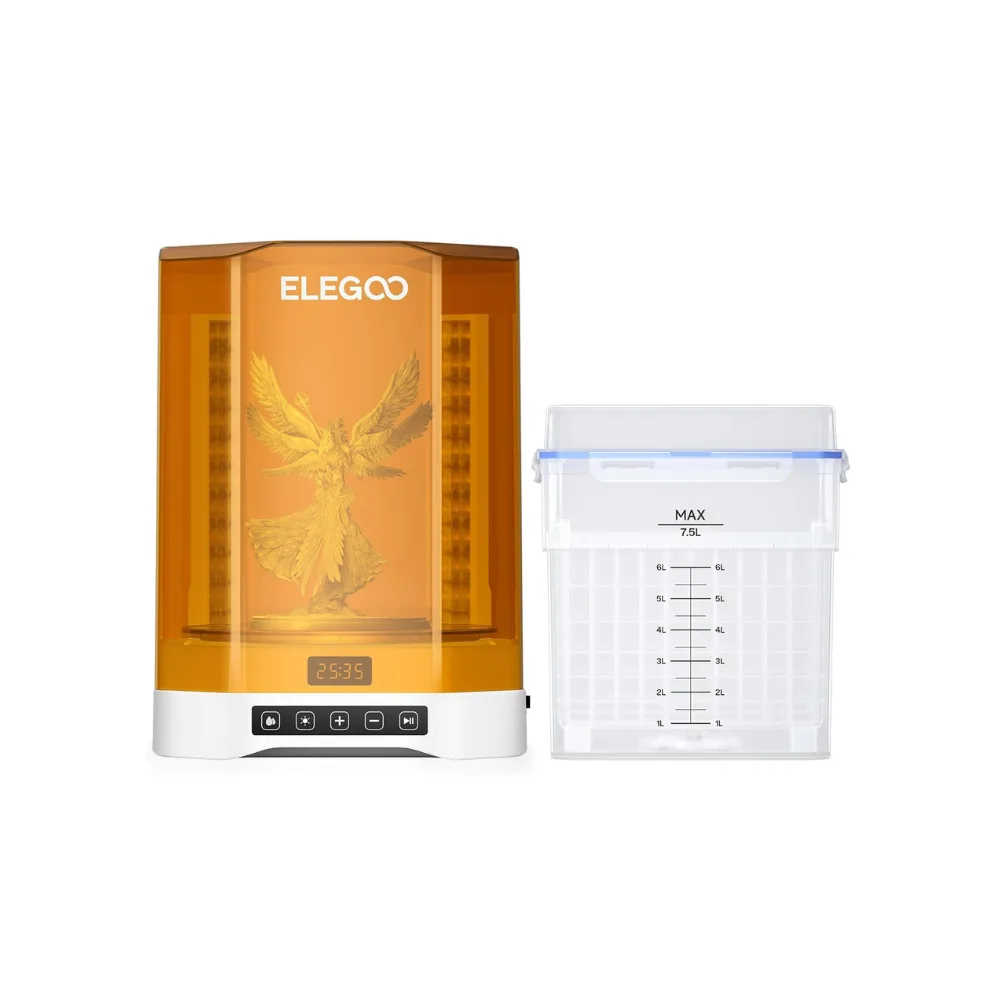
 Mercury 3.0 Plus Wash and Cure
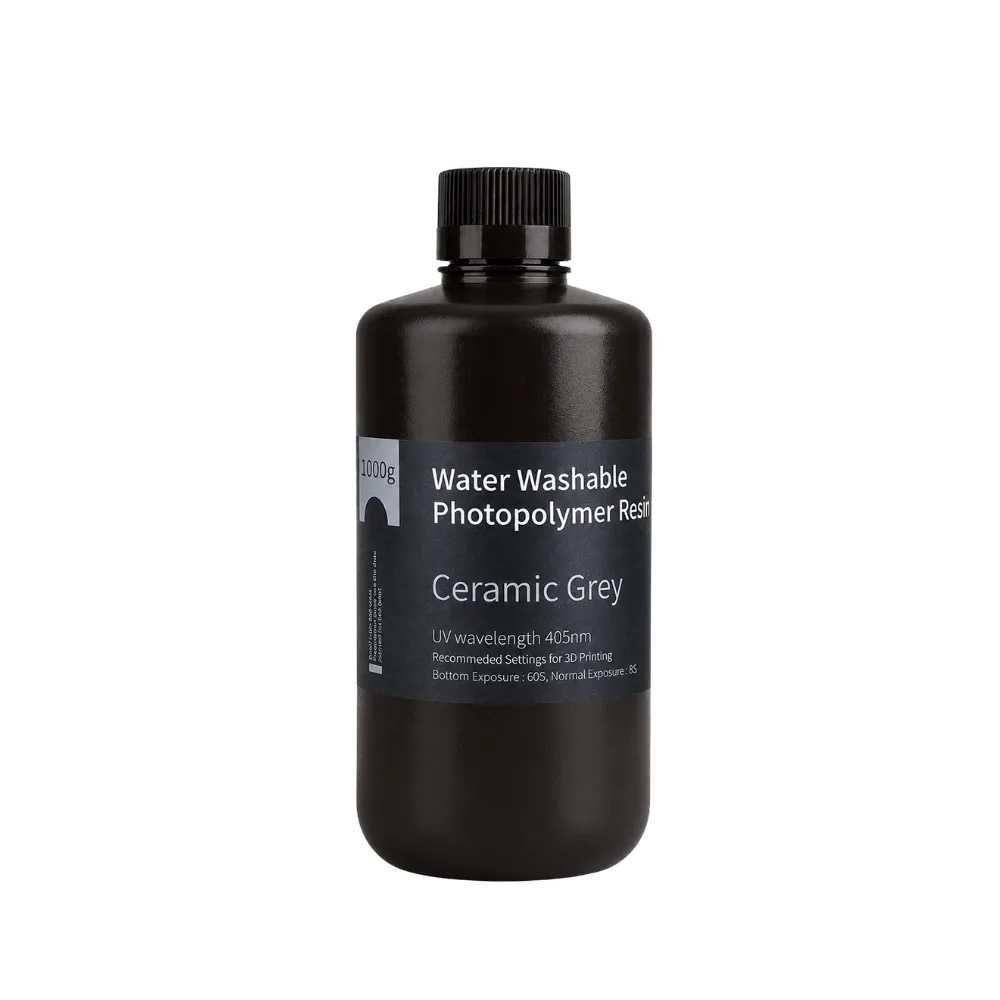 Water Washable ABS-Like Resin Ceramic Grey 1000g
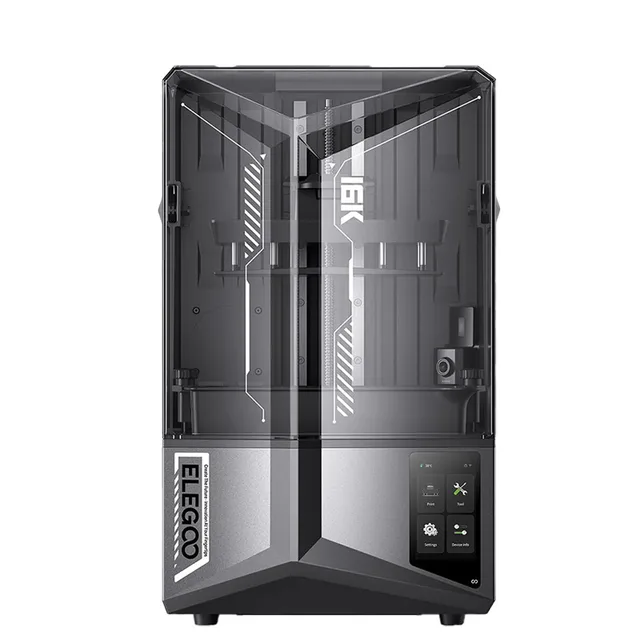
A 10-inch 16K mono LCD puts 14 × 19 µm pixels under your model, so skin texture, chain mail and fine lettering come out crisp instead of stepped. Tilt release keeps it quick, the heated tank keeps resin behaving, and auto-levelling means you can be printing minutes after unboxing.
The metal tank heats and holds resin at 30 °C. Viscosity drops, each layer wets out properly against the last, and the failures that come from cold resin on a cold morning largely go away.
Tilt release peels each layer at an angle rather than pulling it straight up, so suction forces stay low. That lets the printer run hard while keeping thin walls and fine pins intact.
The upgraded camera has its own light, so monitoring doesn't depend on room lighting. It watches for an empty build plate and for warping, and the time-lapse output is ready to share.
Printing pauses automatically if LED temperature passes 80 °C, power-loss recovery picks up where the job stopped, and a one-tap self-test checks the machine before you commit resin to a long print.
Quick-release non-slip build plate, a resin tank with dual pour spouts, a drip tray, replaceable lock screws, a laser-engraved plate surface for adhesion without drama, PFA release film, and a 9H tempered-glass LCD protector.
Built-in dual-band Wi-Fi supports cluster printing across several machines. The EL3D-4.0 system takes OTA updates, speaks 12 languages, and offers section-based exposure so you can tune exposure by height instead of settling for one compromise value. Slice in ELEGOO SatelLite or Chitubox.
211.68 × 118.37 × 220 mm, using a 10-inch 16K mono LCD at 14 × 19 µm XY resolution.
The 16K version uses a 10-inch 16K panel (15,120 × 6,230) instead of 12K, giving 14 × 19 µm pixels rather than 19 × 24 µm. It also adds the smart heating resin tank, the camera with built-in light and dual-band Wi-Fi. The build volume is slightly smaller as a result.
It keeps resin at 30 °C so it stays fluid and bonds cleanly between layers. That reduces bubbles and layer separation, which is especially useful in an air-conditioned room or on a cool morning.
Up to 150 mm/h, or roughly 5.5 seconds per layer in fast mode with default Chitubox settings. That is about twice the speed of the Saturn 3 Ultra.
Any standard 405 nm UV resin, including Elegoo Standard, 8K Standard, ABS-Like V3.0 and Water-Washable. Third-party 405 nm resins work too, but you will need to dial in exposure yourself.
No. Levelling is automatic and only needs to be run at setup or after changing the build plate or screen. A one-tap self-test checks everything before a job starts.
Yes. Built-in dual-band Wi-Fi lets you check on the job, and the AI camera has its own chamber light for monitoring in the dark plus time-lapse recording. Multiple printers can be managed together with cluster printing.