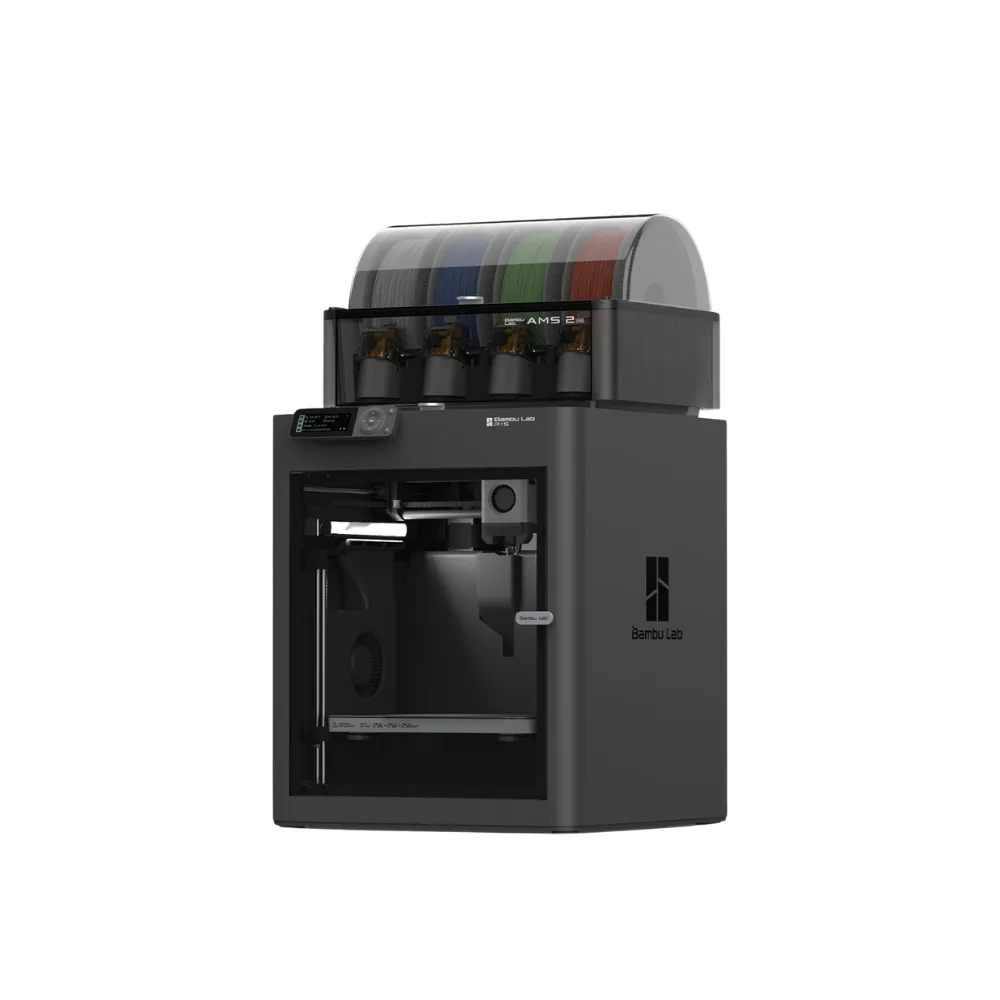
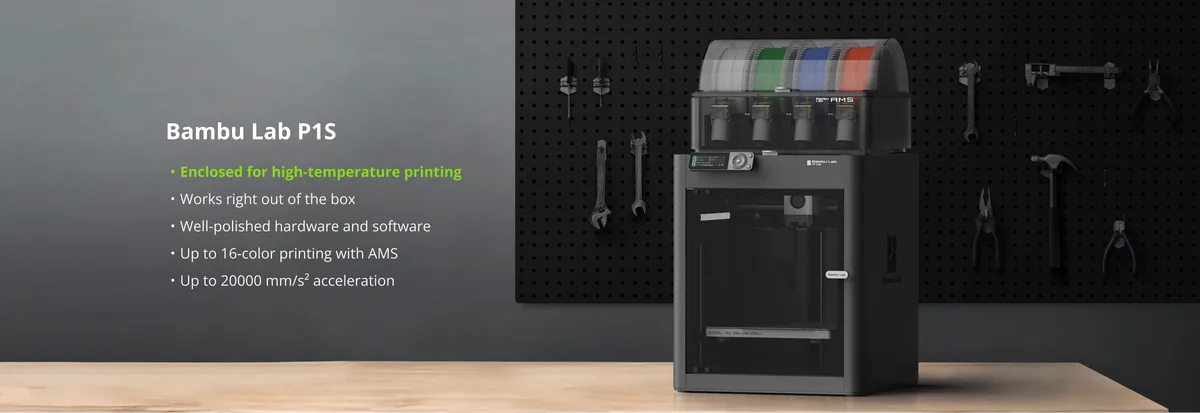
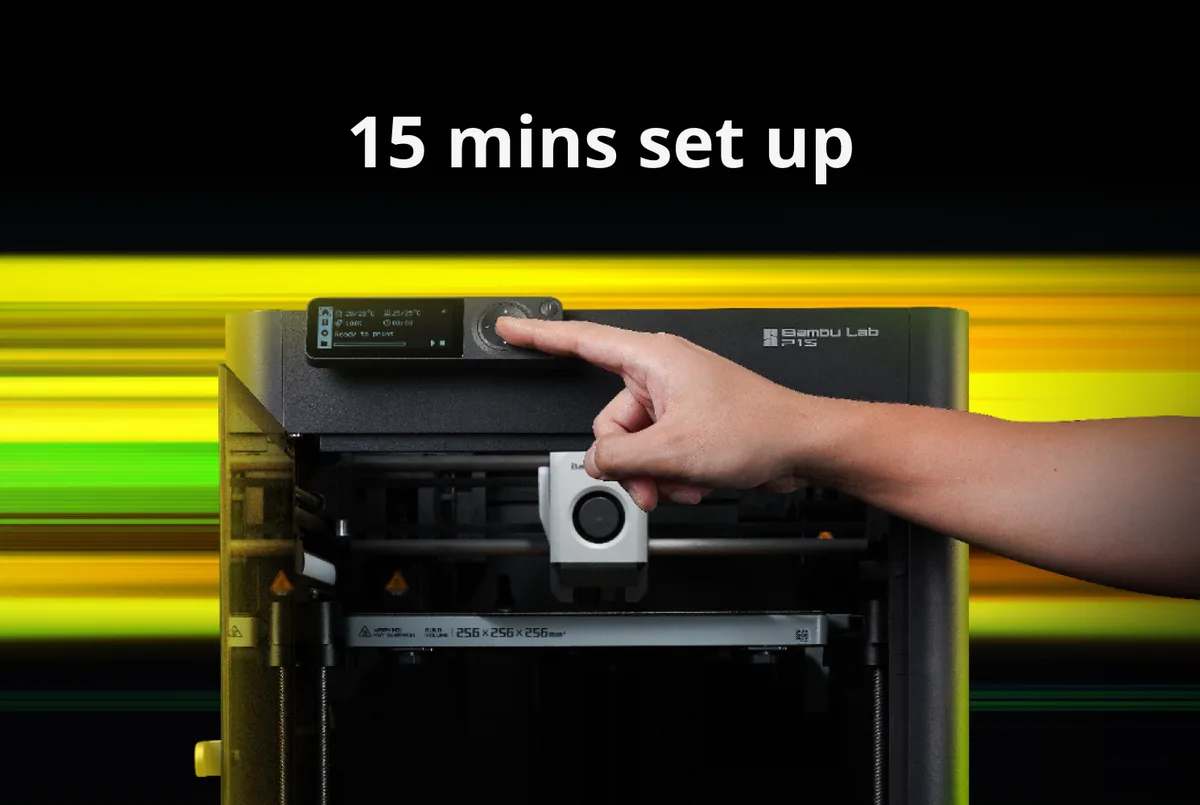
It just works right out of the box. You don't have to mess with it, just simply hit print, and the printer will handle all the calibrations (Auto-Bed Leveling, Vibration compensation) for you. Enjoy trouble-free printing every time with your P1S.
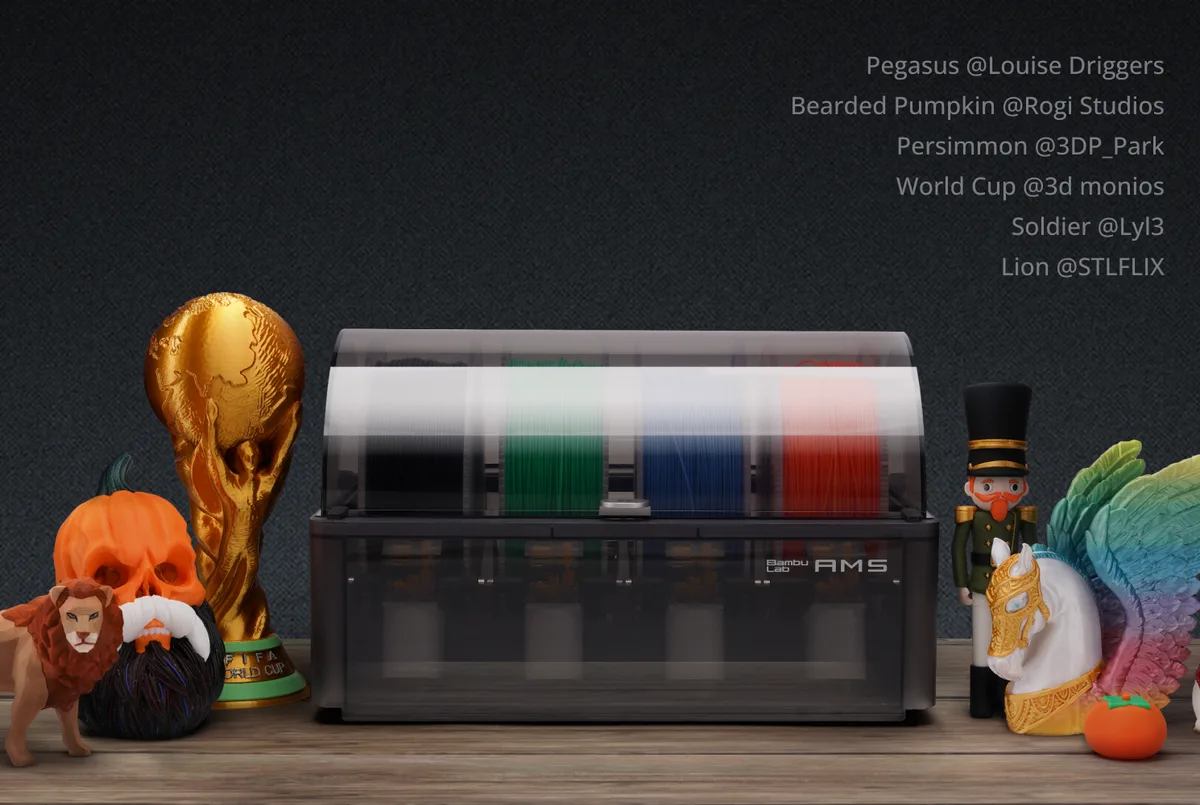
Get the AMS combo to unleash Multi-color printing capability. (up to 16-color if you stack up 4 AMS units). Purchase additional AMS units for more colors.
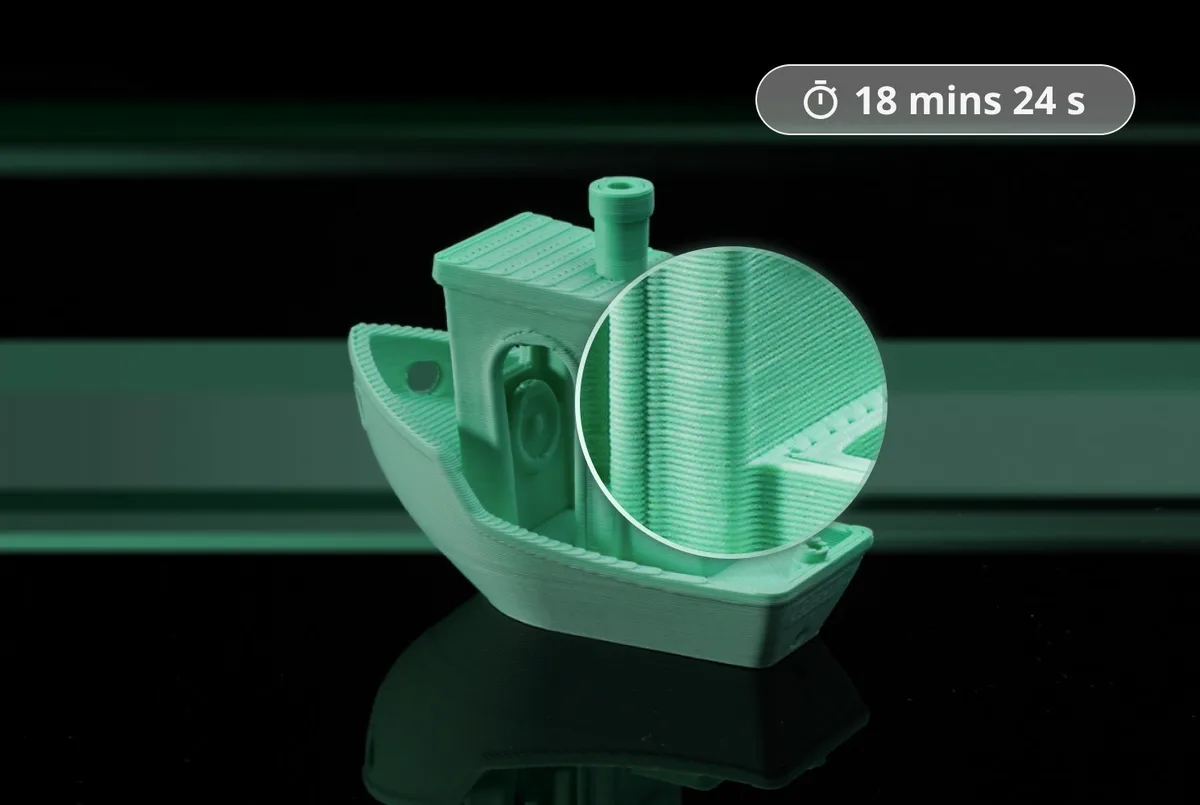
Cutting-edge control algorithm with the help of vibration compensation and pressure advance, bringing you lightning-fast print speed without compromising on quality.
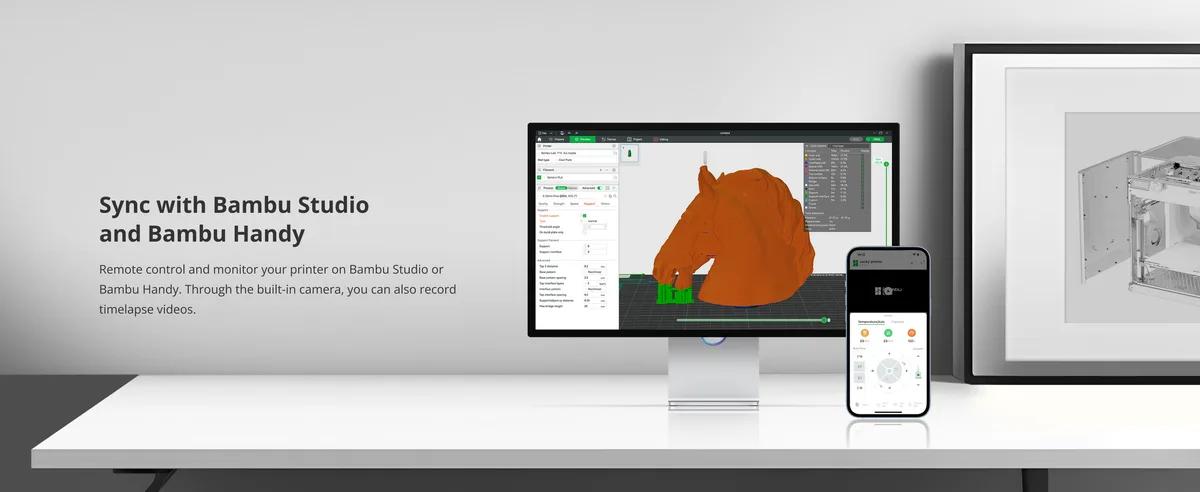
Remote control and monitor your printer on Bambu Studio or Bambu Handy. Through the built-in camera, you can also record timelapse videos.
| P1P | P1S | |
|---|---|---|
| Build Volume (W×D×H) | 256 x 256 x 256 mm³* | |
| Shell | Open frame (Printable Modplates Available) | Enclosed (Plastic & Glass) |
| Hot End | All-Metal | |
| Nozzle | 0.4 mm Stainless Steel Included | |
| Max Hot End Temperature | 300 ℃ | |
| Max Build Plate Temperature | 100℃ | |
| Max Speed of Tool Head | 500 mm/s | |
| Max Acceleration of Tool Head | 20 m/s² | |
| Air Filter | Optional | Activated Carbon Filter |
| Supported Filament | Ideal: PLA, PETG, TPU, PVA, PET Capable: PA, PC, ABS, ASA | Ideal: PLA, PETG, TPU, PVA, PET, ABS, ASA Capable: PA, PC |
| Chamber Monitoring Camera | Low Rate Camera 1280 x 720/0.5fps; Timelapse Supported | |
| Filament Run Out Sensor | Yes | |
| Electrical Requirements | 100-240 VAC, 50/60 Hz, 1000 W @220 V, 350 W @110 V |
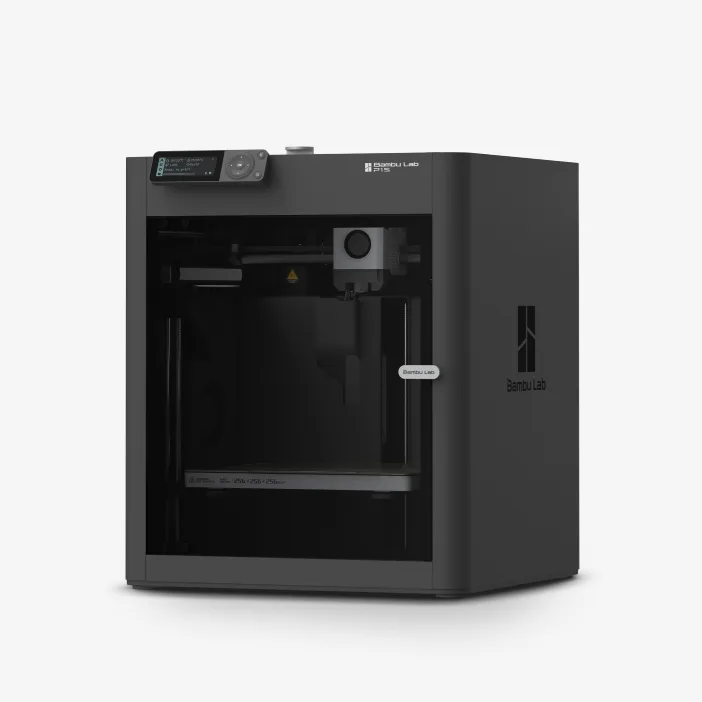 Bambu Lab P1S | 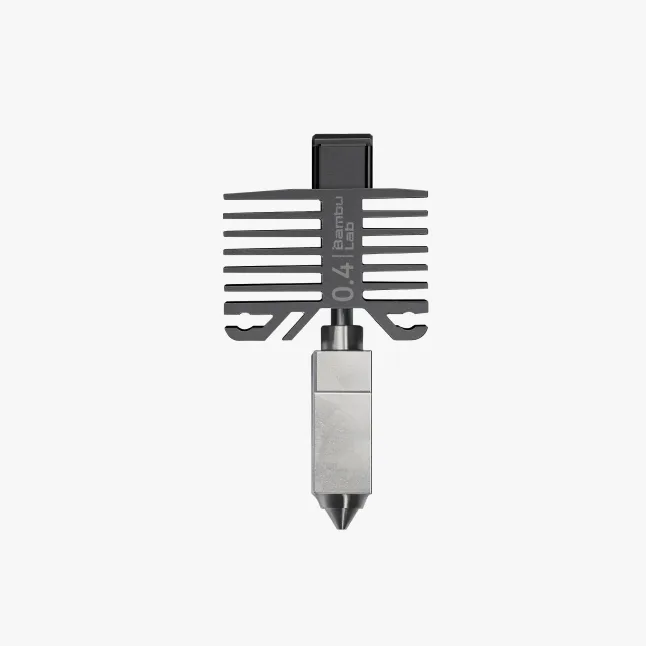 Stainless Steel Hotend with Nozzle | 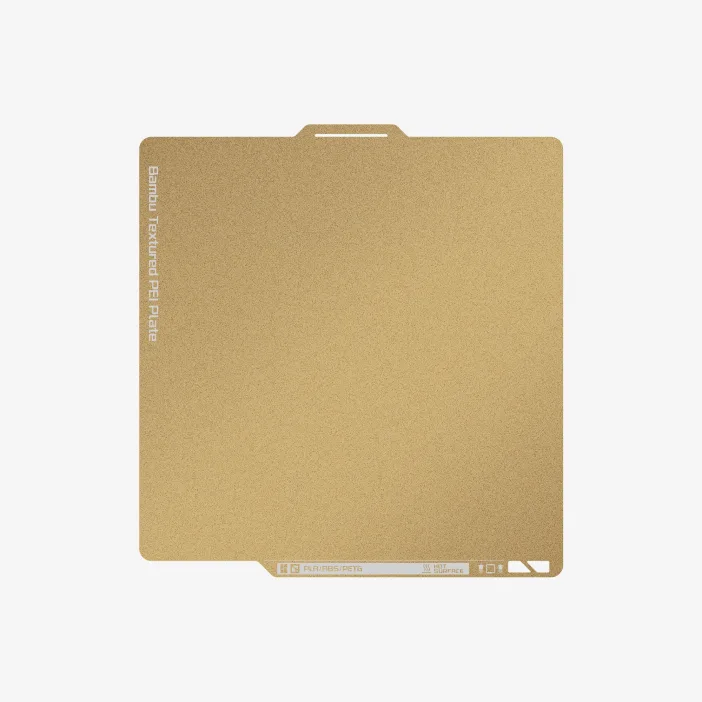 Build Plate | 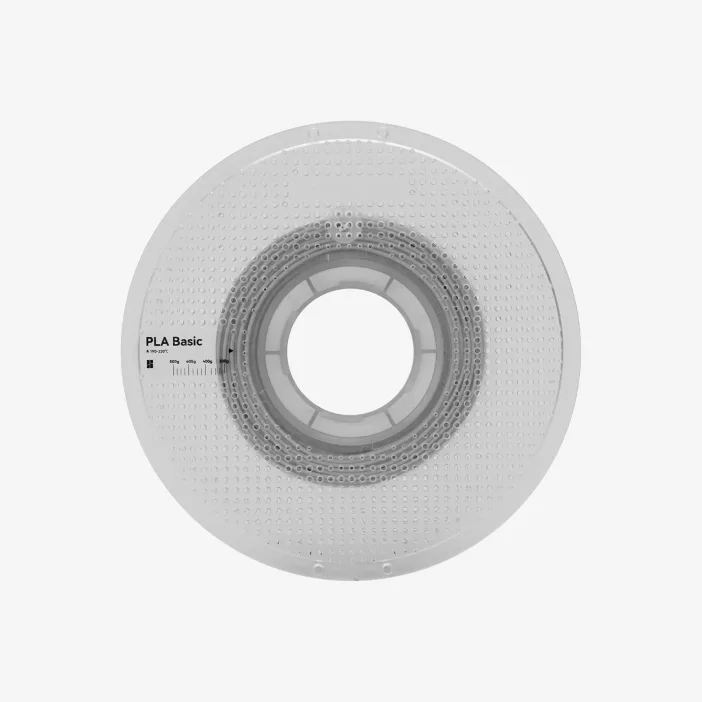 Bambu PLA Filament (with a spool) |
 Unclogging Pin Tool | 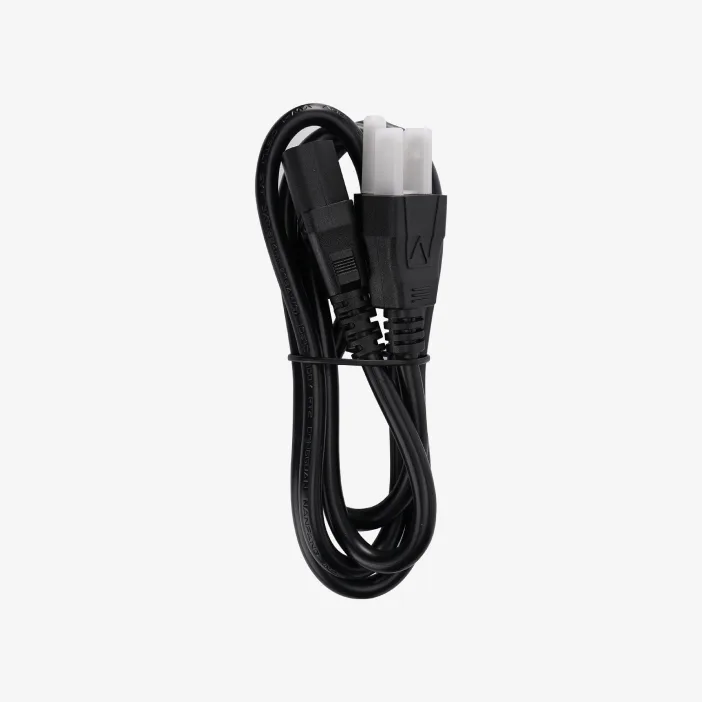 Power Cable |  Accessory Box |
P1S AMS Combo add-ons
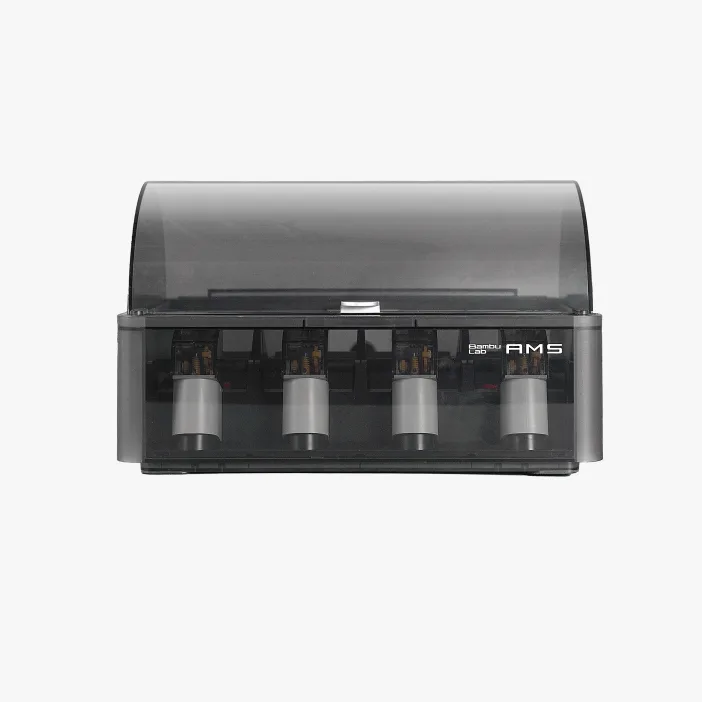 Bambu Lab AMS | 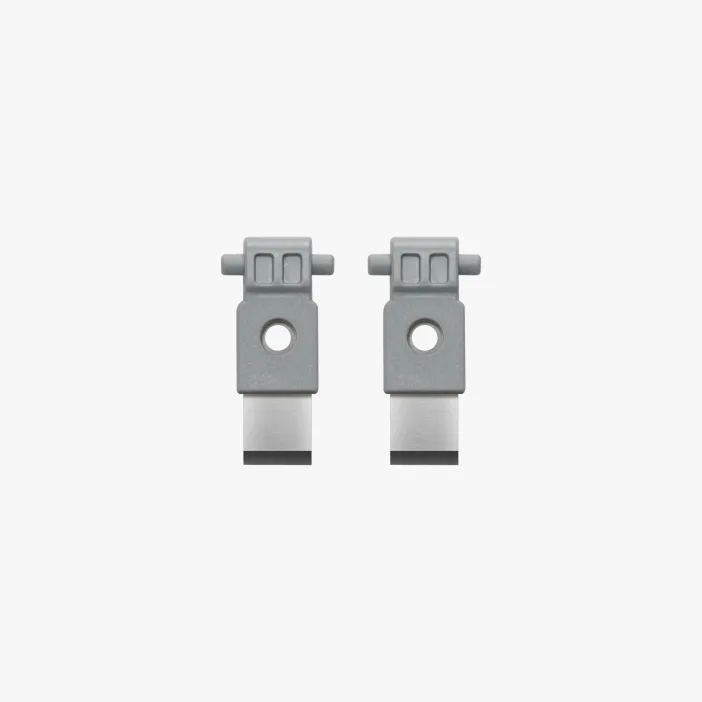 Spare Filament Cutter (x2) | 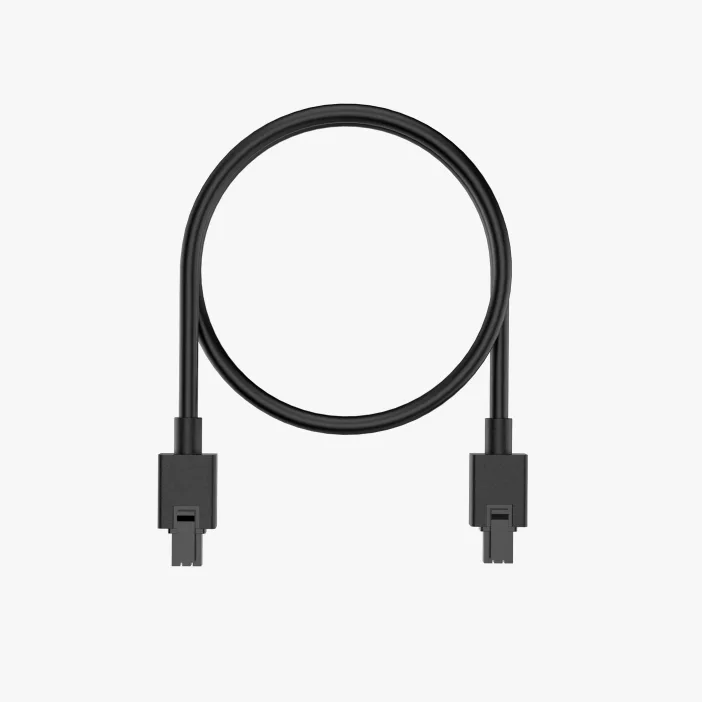 Bambu Bus Cable-6Pin | 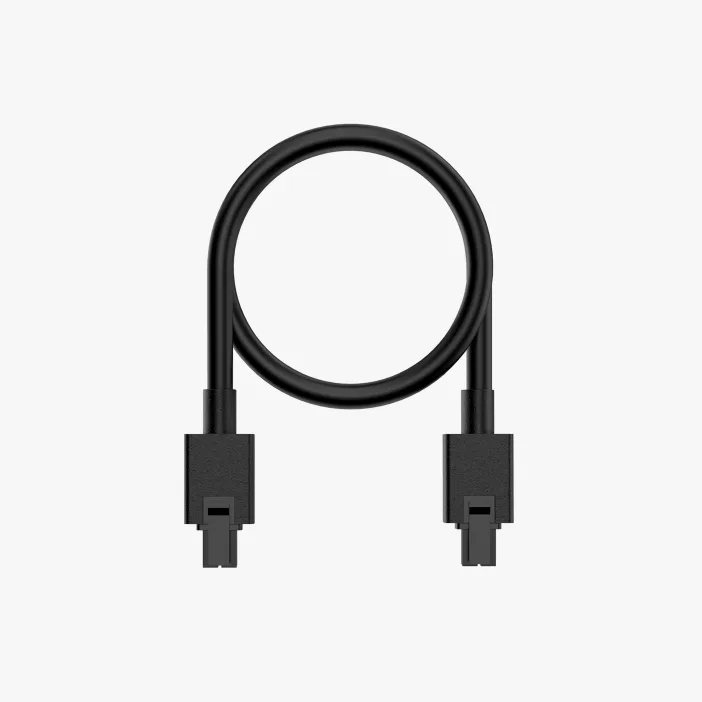 Bambu Bus Cable-4Pin |
| Bambu Filament Samples (Random Color/Type, contains 2 spools) |
P1S AMS 2 Pro Combo add-ons
1. What is the difference between P1S and P1P?
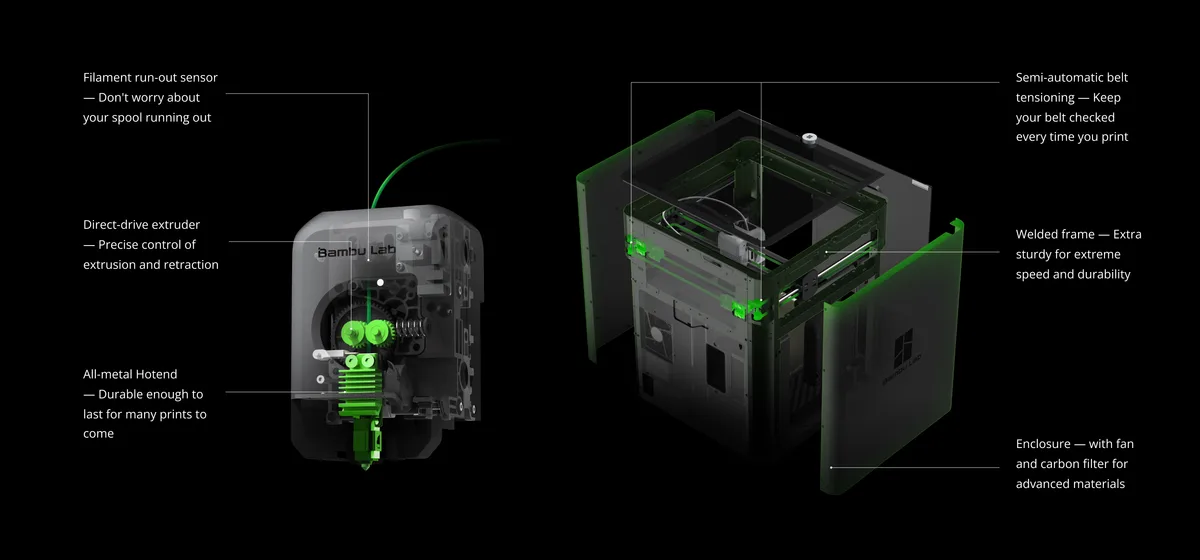
Compared to the P1P, the P1S offers a fully enclosed printing chamber and a more powerful cooling solution, which includes an Auxiliary Part Cooling Fan, a Chamber Regulator Fan, and a Control Board Fan, plus an activated carbon filter for filaments such as ABS that emit odors during printing.
2. What is the difference between P1S and X1C?
P1S is based on the P1P with an improved cooling solution and enclosure. The X1-Carbon adds Micro Lidar for advanced AI detection and a more convenient touchscreen interface.
3. I just ordered a P1P recently. Can I pay extra to replace it with P1S?
We offer an upgrade kit for upgrading from P1P to P1S. We recommend purchasing the upgrade kit for the upgrade.
4. I want to know the technical specifications of P1S. Where can I check it?
Download the full technical specifications from Bambu Lab's official website.