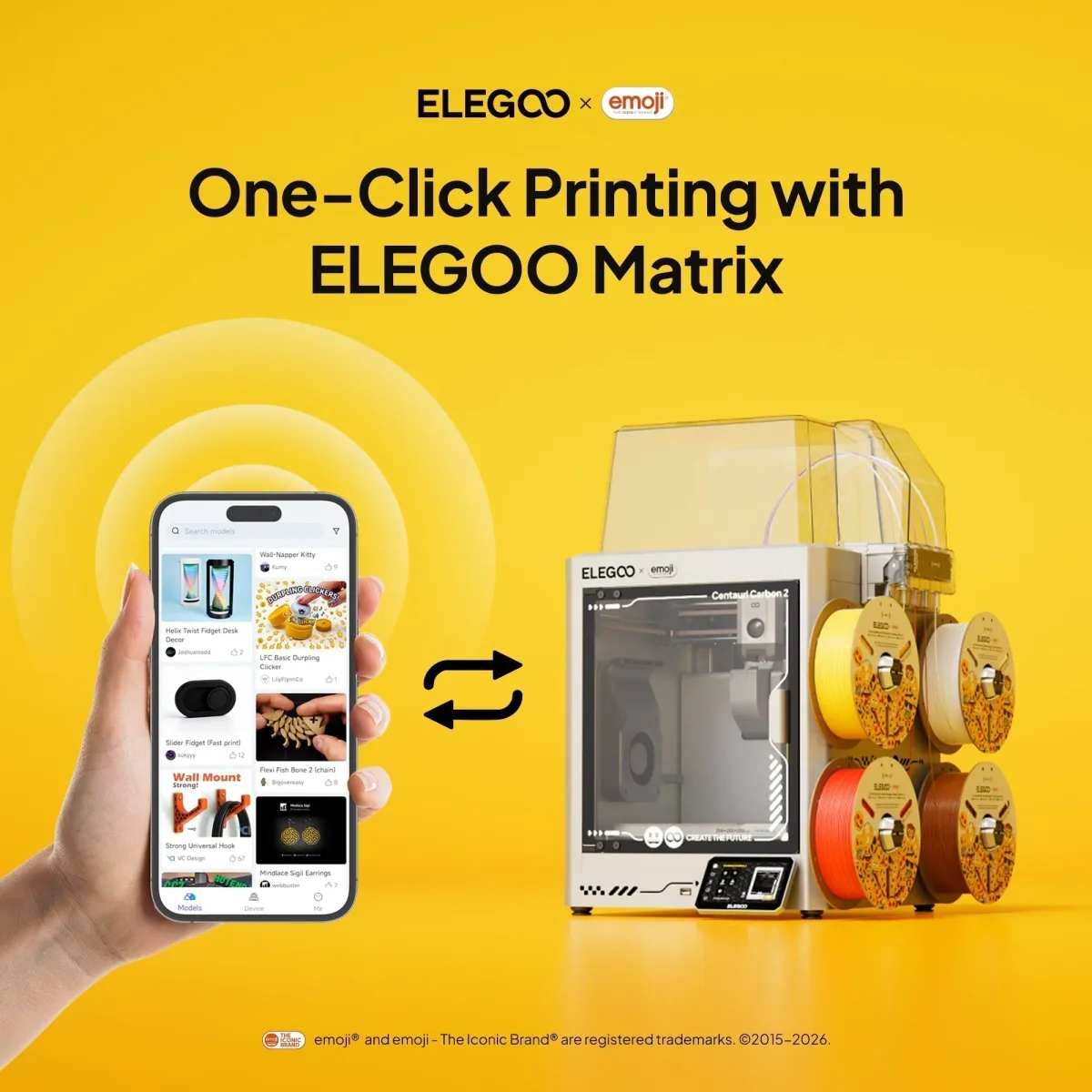
The ELEGOO Matrix App's latest update adds One-Click Remote Printing, letting users browse, slice, and start prints from their smartphone.
A Simpler Path from Model to Print
The traditional 3D printing workflow requires several manual steps — finding a model, slicing it on a desktop, exporting G-code, and transferring files before a print can even begin. The latest ELEGOO Matrix App update collapses all of that into a single tap with its new One-Click Remote Printing feature.
What Is the ELEGOO Matrix App?
Matrix is ELEGOO's all-in-one mobile platform for managing resin and FDM printers from anywhere. Key capabilities include:
- Remotely start, pause, or stop print jobs
- Monitor real-time progress, remaining time, and printer status
- Receive instant alerts for errors or interruptions
- Browse and save models from the built-in Nexprint model library
- Review print history for troubleshooting and repeat prints
How One-Click Remote Printing Works
With the new feature, users simply open the Matrix App, browse the Nexprint model library, select a model, and tap Print. Slicing is handled automatically in the background, dramatically cutting the time between discovering a model and actually printing it — no desktop software required.
Supported Printers and How to Enable It
At launch, One-Click Remote Printing is available for the Centauri Carbon 2, Centauri Carbon 2 Combo, and the ELEGOO × emoji® Centauri Carbon 2 Combo. ELEGOO has noted that support may extend to additional printers in future updates. To activate the feature, update both the Matrix App and your printer's firmware to the latest versions.
Why It Matters
Whether you are new to 3D printing or a seasoned maker, One-Click Remote Printing removes friction from the entire workflow. Combined with real-time monitoring and instant error notifications, the Matrix App is evolving into a genuinely connected ecosystem for ELEGOO users on the go.