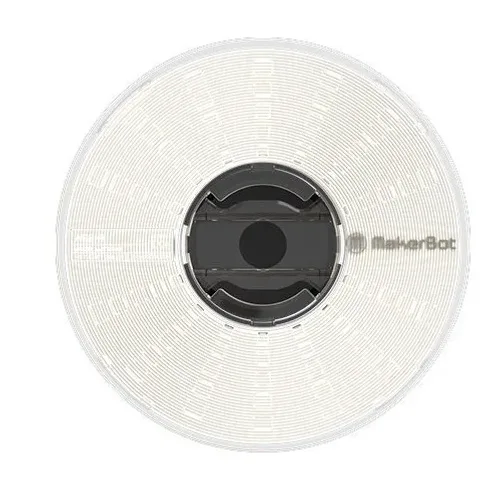
PC · 2.85 mm · 750 g · 3 colours
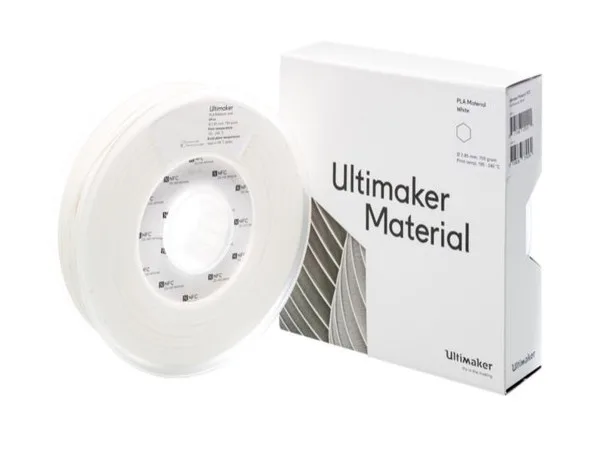
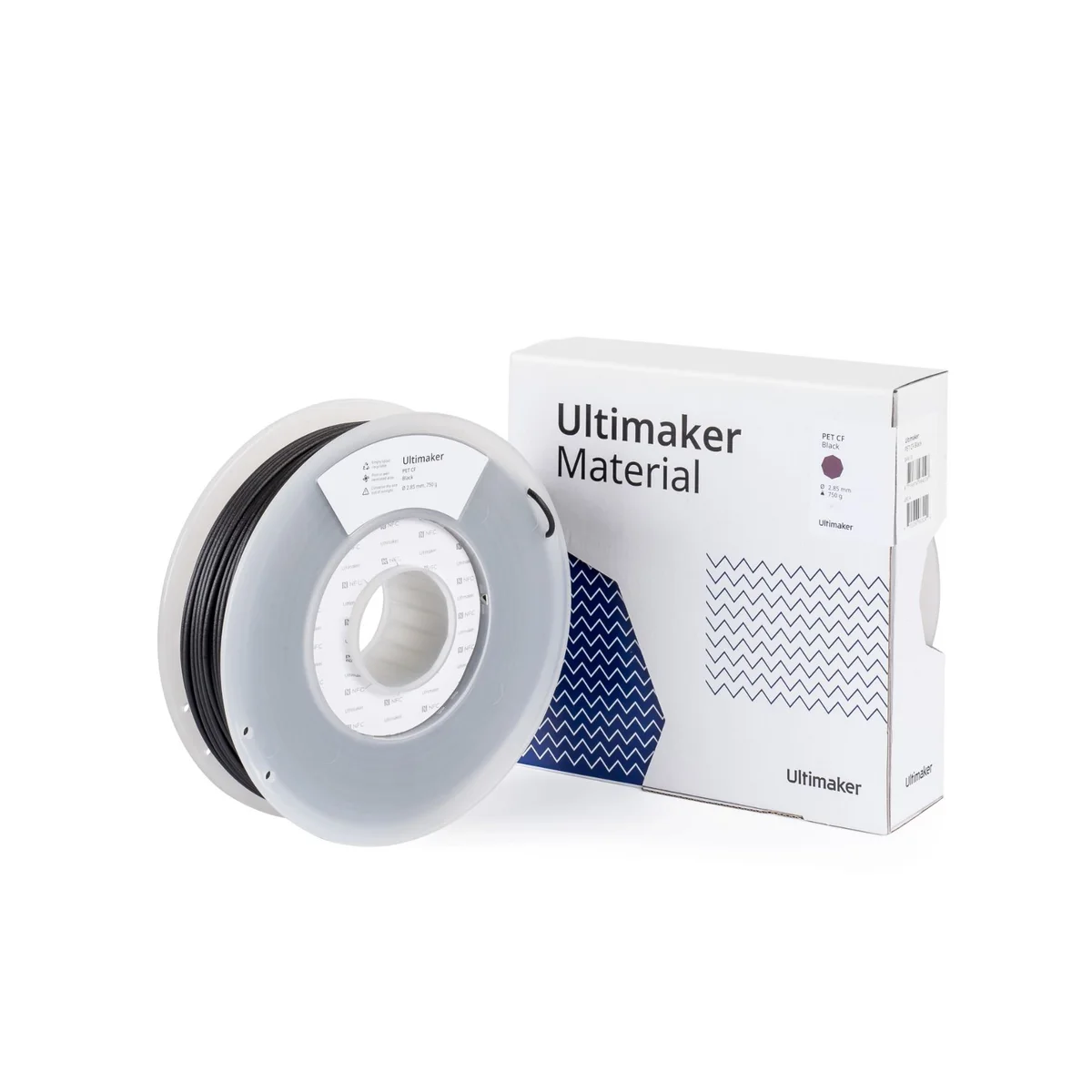
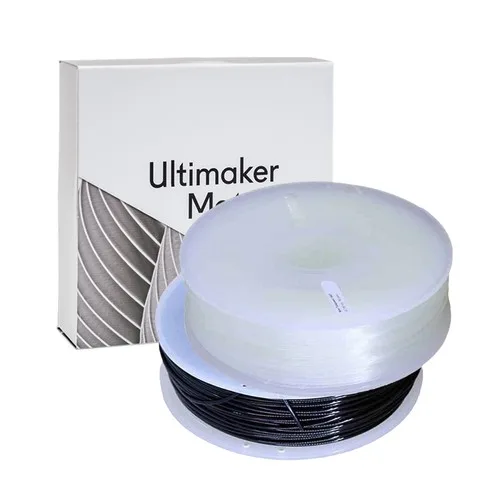
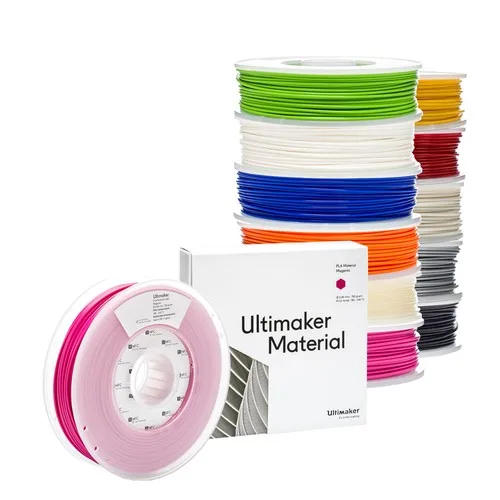
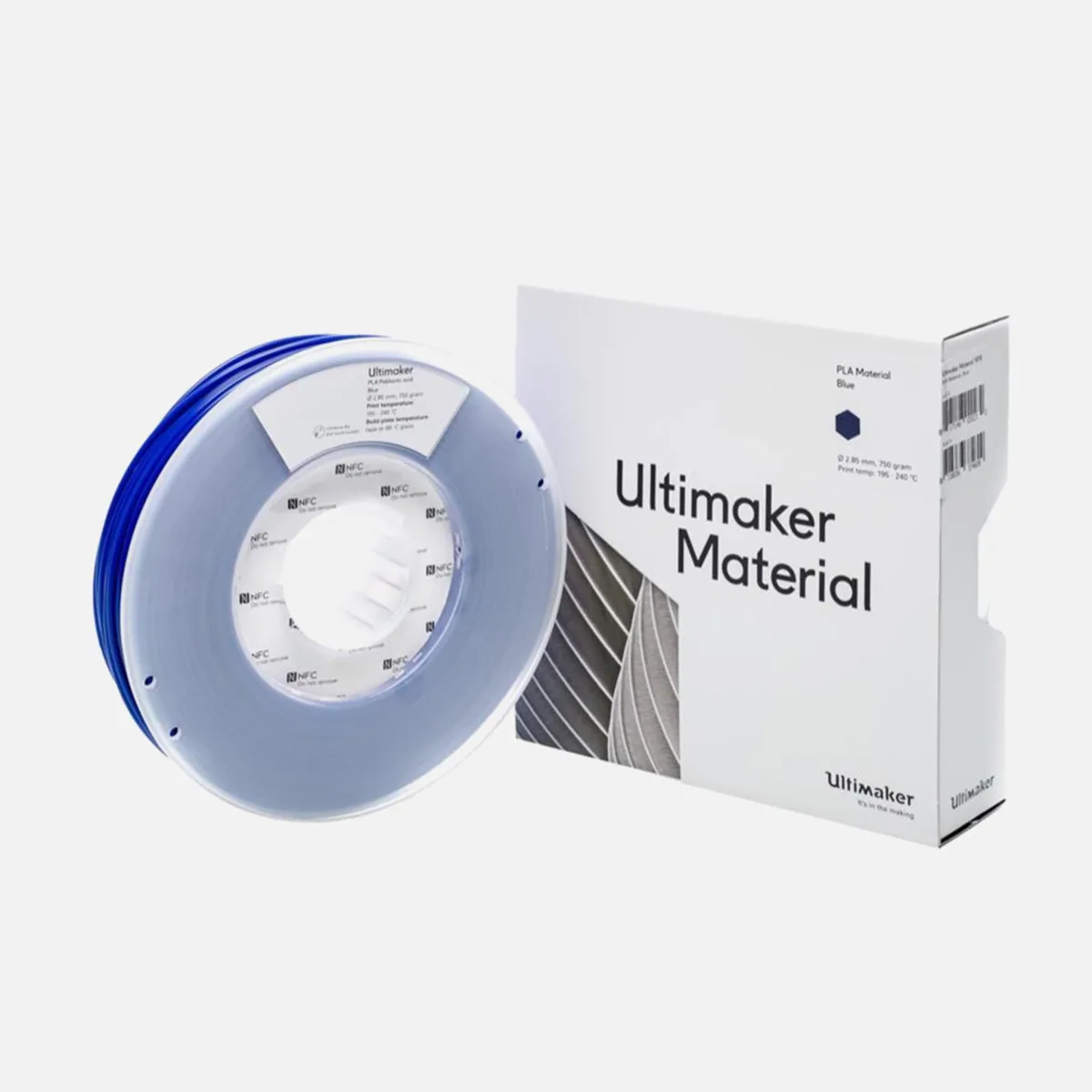
Ultimaker PC Filament — PC filament, 2.85 mm on 750 g spools in 3 colours (White, Transparent, Black), ฿3,210 inc VAT, in stock in Thailand.
Polycarbonate is among the most heat- and impact-resistant of the common filaments. Good for high-load parts and anything that sees sustained heat.
PC needs a high nozzle temperature and an enclosure, and it absorbs moisture fast — dry it before printing.
Any FDM printer that takes 2.85 mm filament, which is the standard size on most machines. The right nozzle and bed temperatures depend on your printer — start from the figures Ultimaker prints on the spool and adjust in 5 °C steps until surface finish and layer adhesion are both good.
Dark colours hide layer lines best, so parts look finished without sanding. White and pale shades are the better base for painting. Saturated colours separate one batch from another or make a part easy to spot. If one build needs several spools, order them together — shade can shift slightly between production batches.
Order online for nationwide delivery, or collect at True Digital Park, Seacon Bangkae or Central Sriracha. If you would rather not print it yourself, send us the file and our 3D printing service will run it for you.
3 colours are in stock: White, Transparent, Black.
Any FDM printer that takes 2.85 mm filament.
It depends on your printer and speed. Start from the figures Ultimaker prints on the spool and adjust in 5 °C steps until surface finish and layer adhesion are both good.
PC needs a high nozzle temperature and an enclosure, and it absorbs moisture fast — dry it before printing.
Yes, at True Digital Park, Seacon Bangkae or Central Sriracha, or we deliver nationwide.
PC has the highest heat and impact resistance of this group, usable above 100 °C, and prints stiff and even transparent parts — it is the material of safety glasses and headlight lenses. It needs a hot nozzle and a warm chamber.
| Nozzle temperature | 260–300 °C |
|---|---|
| Bed temperature | 100–110 °C |
| Enclosure | Strongly recommended |
| Drying | Always: 80–90 °C for 6–8 h |
Typical ranges for this material; the spool label and the printer profile are the authority.
Good for parts near heat, translucent covers, very strong brackets and temporary moulds.
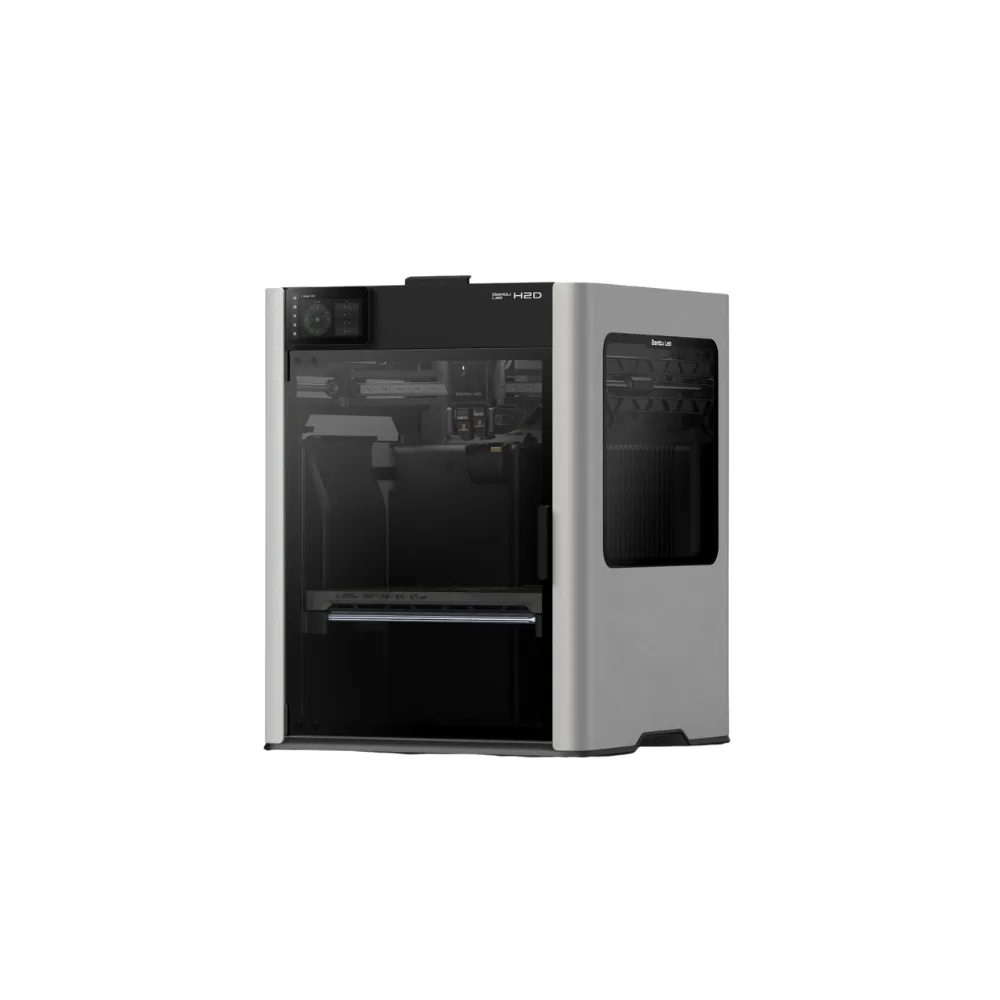
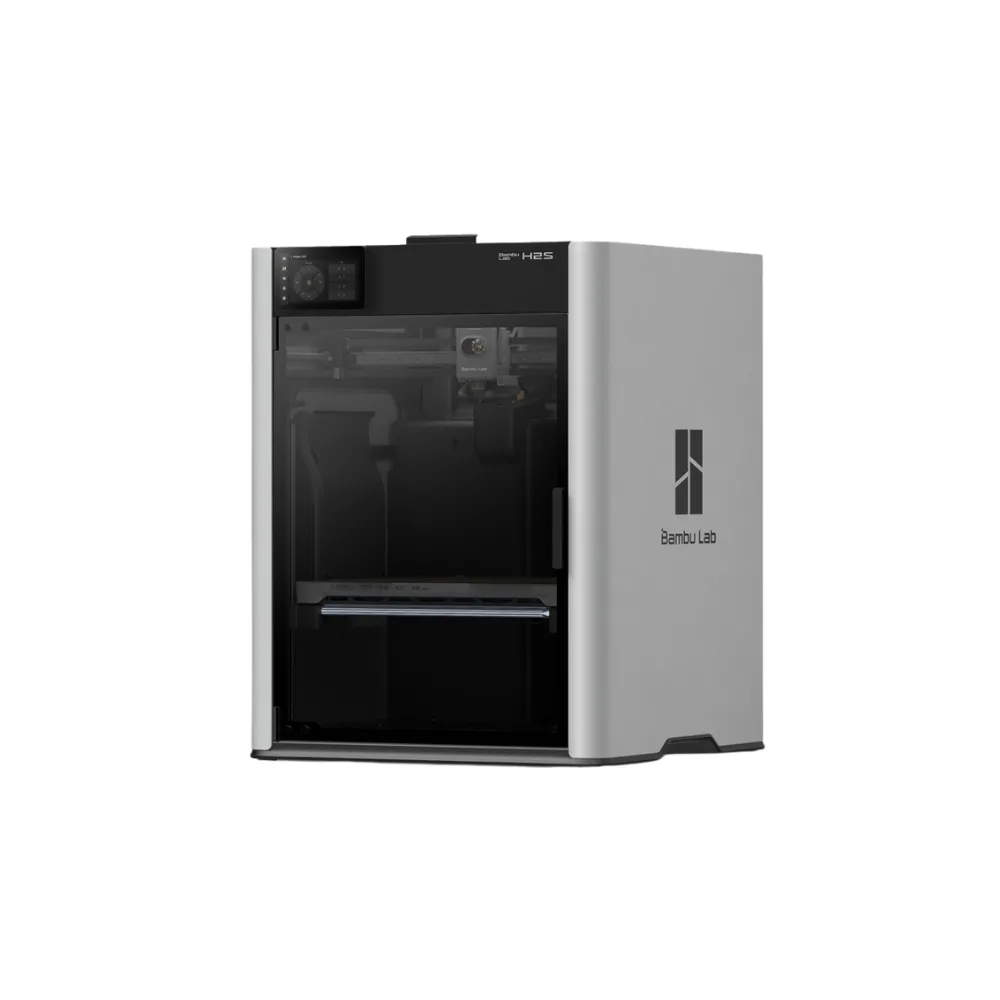
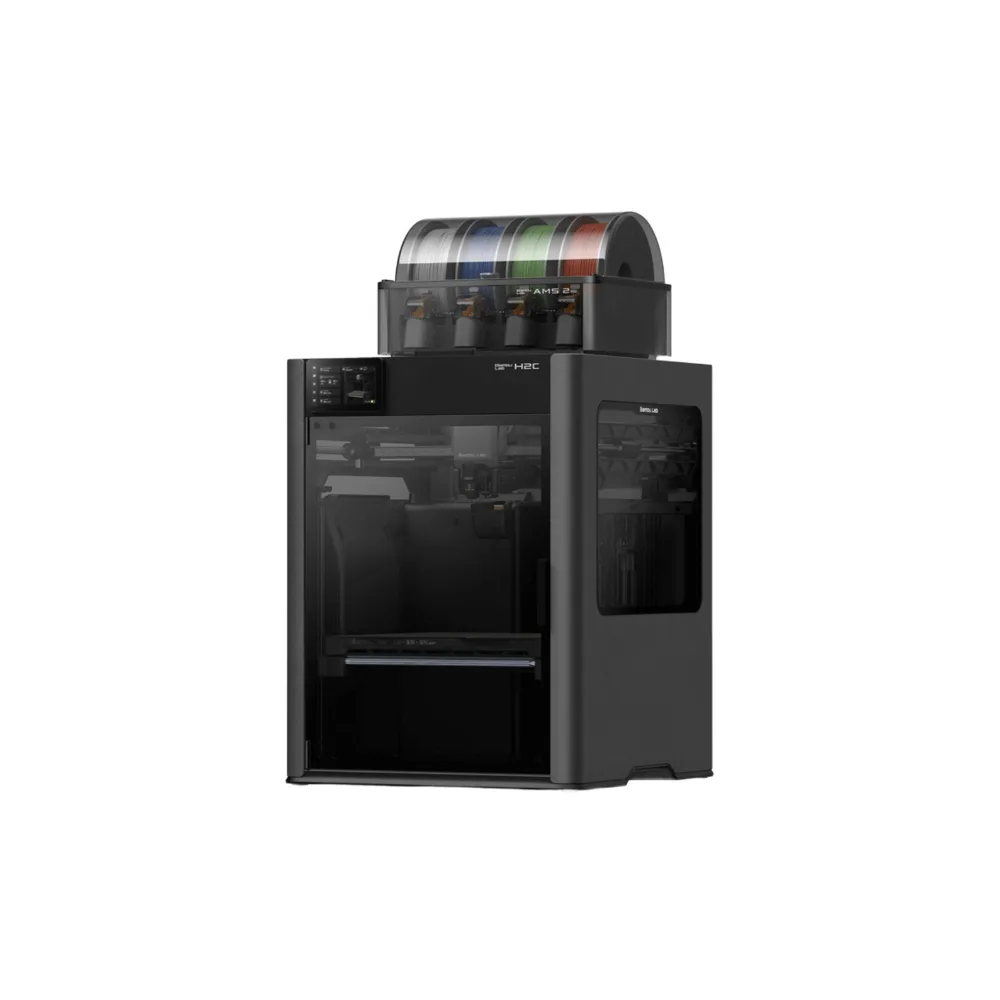
Best on an enclosed printer such as the Bambu Lab P2S, X2D or H2 series to limit warping and fumes
Dry it before printing and check that the printer's hotend reaches the required temperature. Large parts want a chamber kept warm throughout the print.