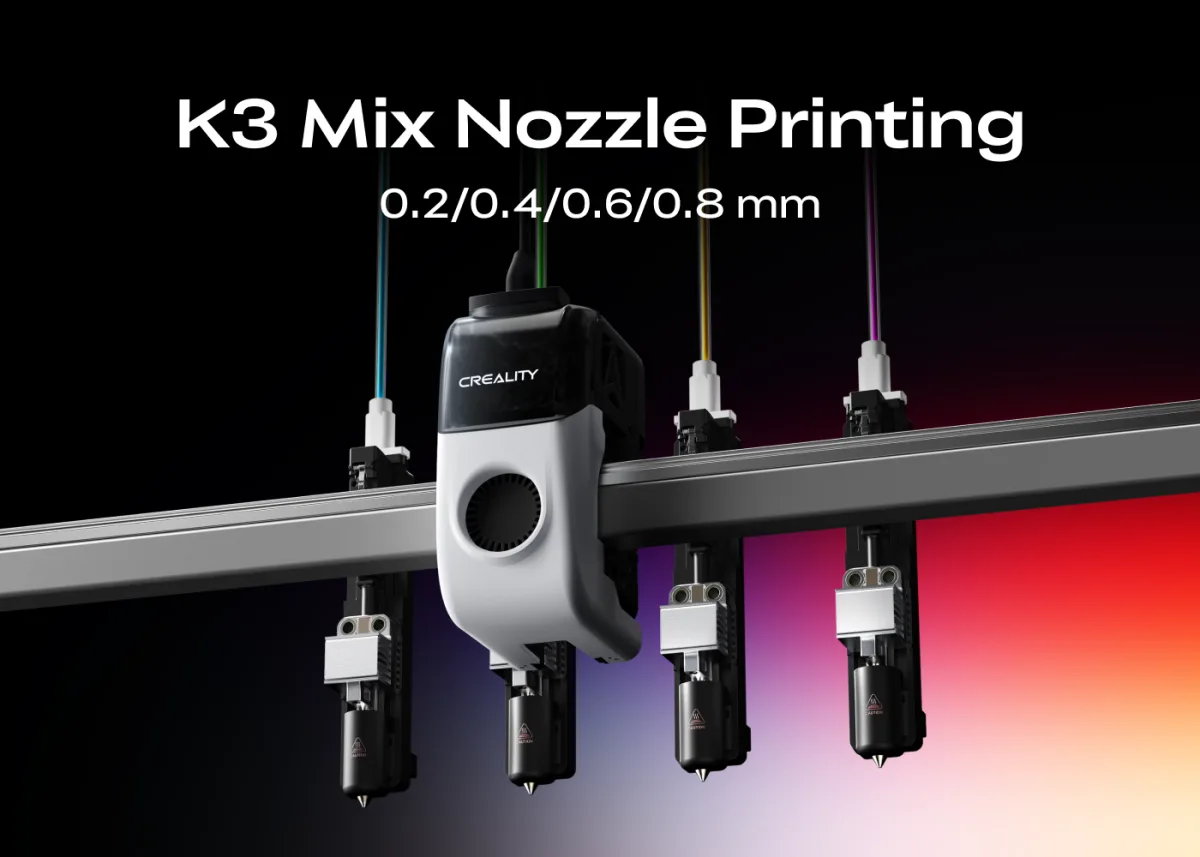
The Creality K3's KliTek system lets you mix nozzle sizes in a single print — combining speed and detail without compromise.
Why Nozzle Diameter Has Always Been a Trade-Off
In traditional single-nozzle 3D printing, you pick a nozzle diameter before the job starts and live with that choice for every layer. The 0.4 mm nozzle became the community default not because it excels at everything, but because it is reliably versatile. Complex models, however, have competing demands: internal structures benefit from high-flow efficiency, while outer walls, fine text, and surface textures need precision. One fixed diameter cannot fully satisfy both.
How the Creality K3 Changes the Equation
The Creality K3 is built around the proprietary KliTek™ automatic nozzle-changing system, which swaps between four independent nozzle assemblies in under 5 seconds. This makes nozzle diameter a dynamic, per-region variable rather than a one-time pre-print setting. Users can combine 0.2 mm, 0.4 mm, 0.6 mm, and 0.8 mm nozzles within a single job, each tuned with matching line width, flow rate, speed, and toolpath settings — all at a consistent layer height.
A Bigger Nozzle Is Not Simply a Scaled-Up Version
Switching to a 0.8 mm nozzle is not as simple as widening the extrusion path. Larger diameters change extrusion volume, cooling requirements, and toolpath logic. Used without proper tuning, the result can be rough walls or unstable layer bonding. The K3 addresses this by custom-tuning each nozzle diameter combination. Creality's own benchmark with a wolf-head model showed a multi-diameter 0.4 mm + 0.8 mm setup completing the print in roughly 20 h 39 min, compared to over 23 h with a single 0.4 mm setup on the same machine.
Practical Nozzle Strategy: Which Size for Which Task
- 0.8 mm: Infill and large interior regions — maximises speed and structural density.
- 0.4 mm: Outer walls and general structures — balances detail and reliability.
- 0.2 mm: Fine local features such as small text, narrow walls, and tight contours.
All parameter optimisation is handled inside Creality Print, keeping the workflow manageable even when multiple diameters are active in the same file.
Who Benefits Most from Multi-Diameter Printing
Makers printing large, structurally complex, or highly detailed models stand to gain the most. The ability to assign the right nozzle to the right region — rather than compromising across the entire print — represents a meaningful shift in how print strategy can be approached on a consumer machine.
Available at all 3 Print My Design stores and online with nationwide delivery.