90% of failed prints die on layer one. A checklist that fixes bed adhesion in order of likelihood — no random tinkering.
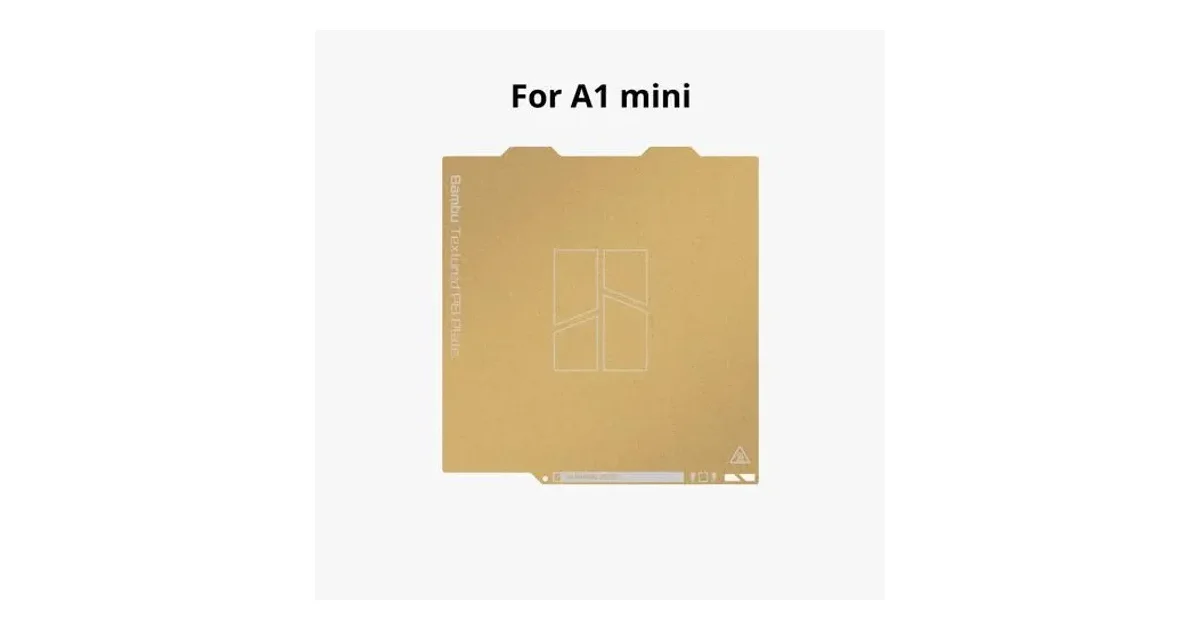
Work down this list in order: 1) Clean the plate with dish soap and water — fingerprint oil is the #1 cause; IPA between prints. 2) Re-run auto bed-levelling / calibration after moving the machine. 3) Check nozzle-to-bed distance (first layer should be slightly squished, not round strands). 4) Bed temperature: PLA ~60°C, PETG ~70-80°C; textured PEI plates grip better warm. 5) Slow the first layer down. 6) Draft is a killer — keep fans/aircon from blowing across the bed. 7) Worn plate? Replacement plates and adhesives are cheap. Bring stubborn cases to our branches — we diagnose them daily.
Inangkop mula sa seo ng team ng Print My Design · inilathala 2026-09-04 · seo ↗