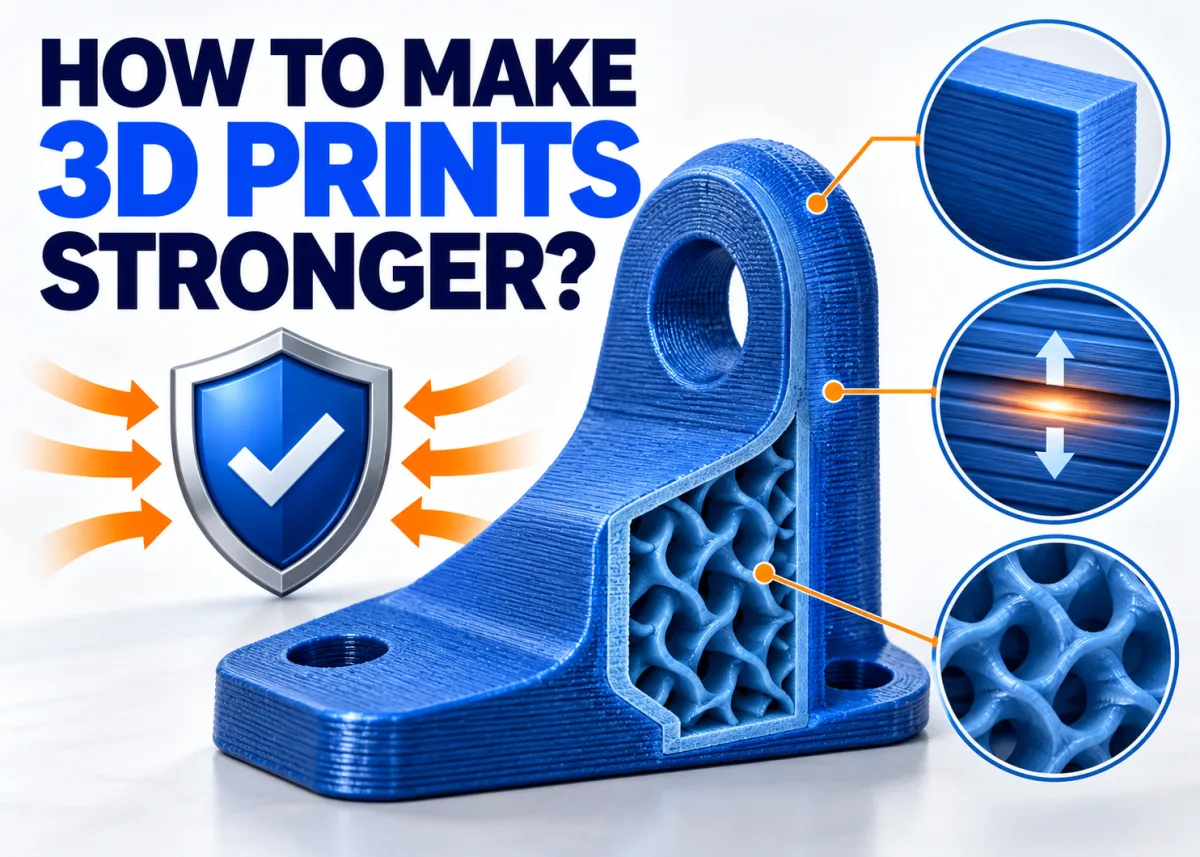
Boost the durability of your Creality prints with six practical slicer and design techniques — no expensive upgrades required.
Stop Blaming Infill — Walls Are the Real Strength Driver
Most makers instinctively crank infill to 100% when a part keeps breaking, but that's rarely the most efficient fix. The outer walls of a print carry the bulk of external loads, while infill mainly prevents those walls from caving inward. For everyday functional parts, targeting 3–4 walls (roughly 1.2–1.6 mm) delivers a more noticeable strength gain than a high infill percentage alone. Bump up to 5–6 walls for high-stress applications, and add local reinforcement around screw holes or mounting points.
Dial In Layer Height for Better Bonding
Layer height controls how well each slice fuses to the one below it. A setting of 0.15–0.2 mm with a standard 0.4 mm nozzle offers a reliable balance between bond strength, surface detail, and print time. Going too thick reduces overlap between extrusion lines; going too thin adds hours without a proportional strength benefit. A practical rule of thumb: aim for roughly 50% of your nozzle diameter as a starting point.
Print Hotter to Improve Layer Adhesion
Higher nozzle temperatures allow molten plastic to flow into the layer beneath more effectively, creating stronger inter-layer bonds. Printing near the upper end of your filament manufacturer's recommended range is a simple, cost-free way to improve part toughness — just watch for stringing, which signals you've gone too far.
Choose the Right Filament for the Job
Material selection matters as much as slicer settings. PLA suits lightweight, low-stress parts; PETG adds chemical resistance and flexibility; ABS and engineering-grade filaments handle higher temperatures and mechanical loads. Matching the plastic to the application is one of the highest-impact decisions you can make before hitting print.
Design Smart and Finish Strategically
Part geometry plays a big role in real-world durability. Orienting a model so critical stress runs along layer lines rather than across them, adding fillets to sharp corners, and using ribs or gussets in CAD all reduce failure points. Post-processing steps such as annealing PLA or applying a thin coating can further consolidate surface layers and seal micro-gaps between extrusion lines.
Available at all 3 Print My Design stores and online with nationwide delivery.