 Official partner of 3D Studio

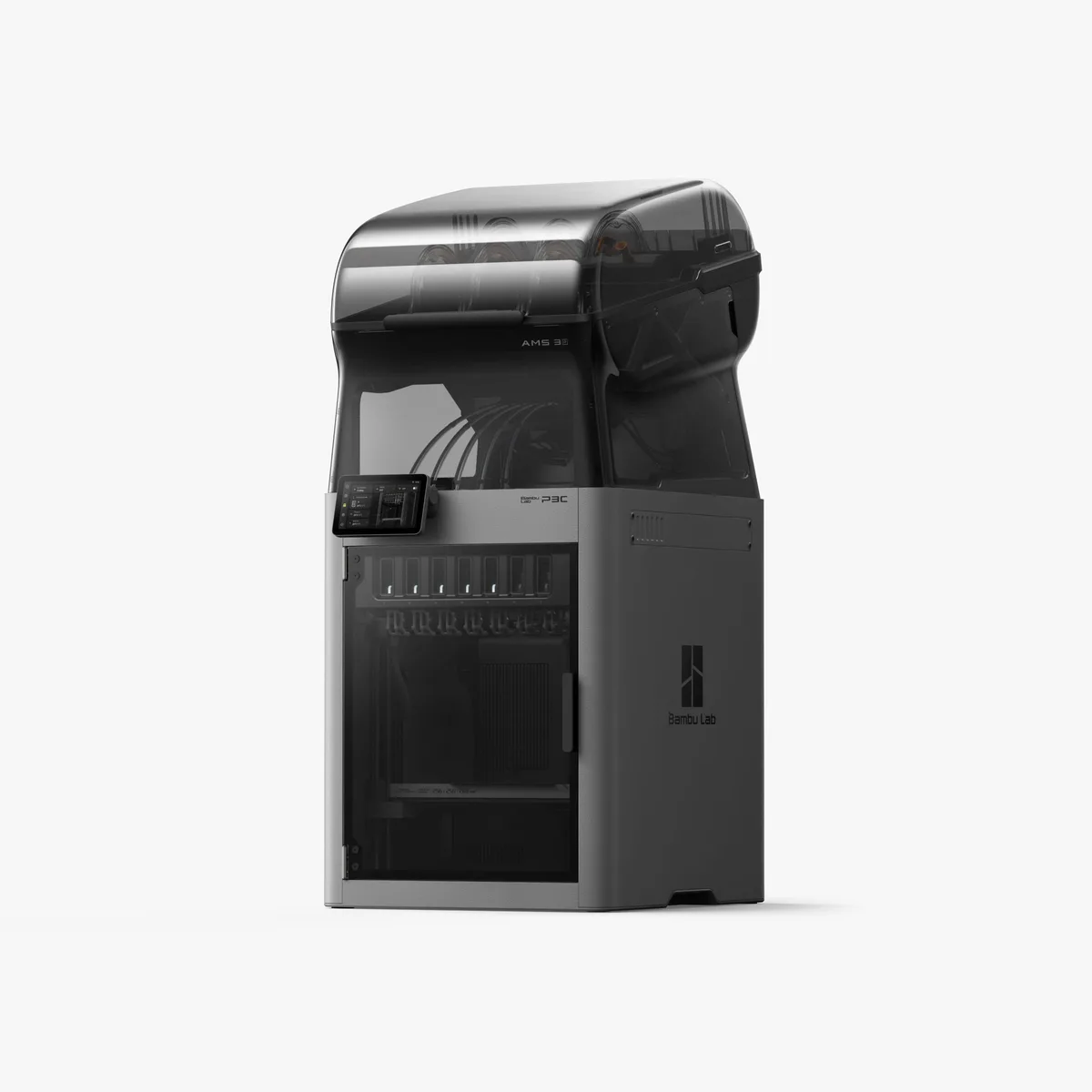
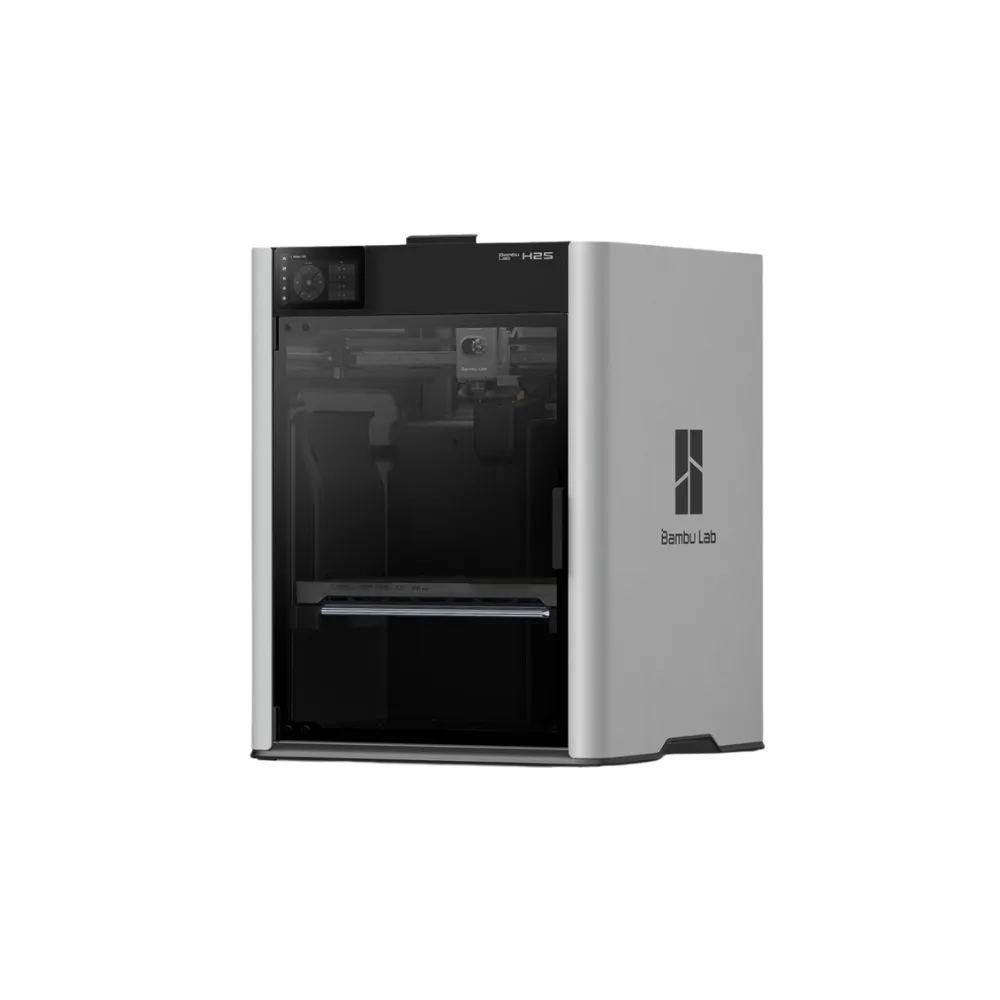
The Bambu Lab P3C Combo is an enclosed FDM 3D printer built around the Swaptek tool-changing system. It has seven tool slots and ships with five 0.4 mm PrintTools. Each tool has its own filament path and heater, so the printer switches material in as little as 6 seconds with very little purge waste. The build volume is 256 × 256 × 260 mm. This Combo includes the AMS 3P, which stores seven spools on top of the printer.
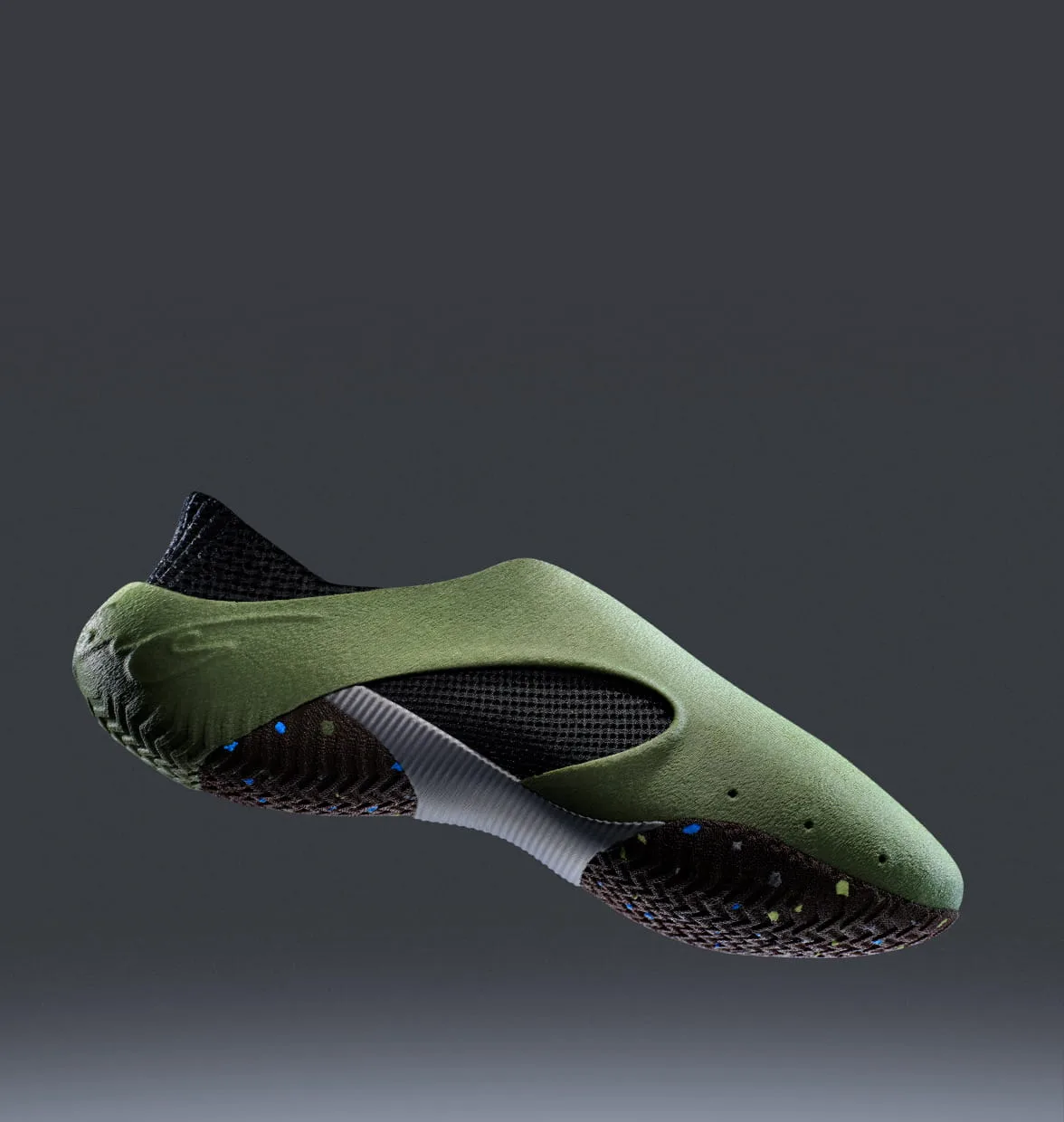
It suits people who print multi-colour or multi-material parts and do not want to wait for a filament swap at every colour change. It handles parts that combine rigid and soft sections in one piece. It also fits a tight workspace, because every spool sits on top of the machine. If your main work is engineering filament that needs a heated chamber, or you need a larger build volume, the Bambu Lab H3C Combo is the better match.
* Figures from Bambu Lab's internal tests under optimal conditions. Real results depend on the filament and settings.
Most multi-colour printers share one nozzle. Every colour change means retracting the old filament, loading the new one and purging. That costs time and filament. Swaptek gives each PrintTool its own filament path, heater, and power and data contacts. The filament stays loaded and ready. The printer docks one tool and picks up the next.
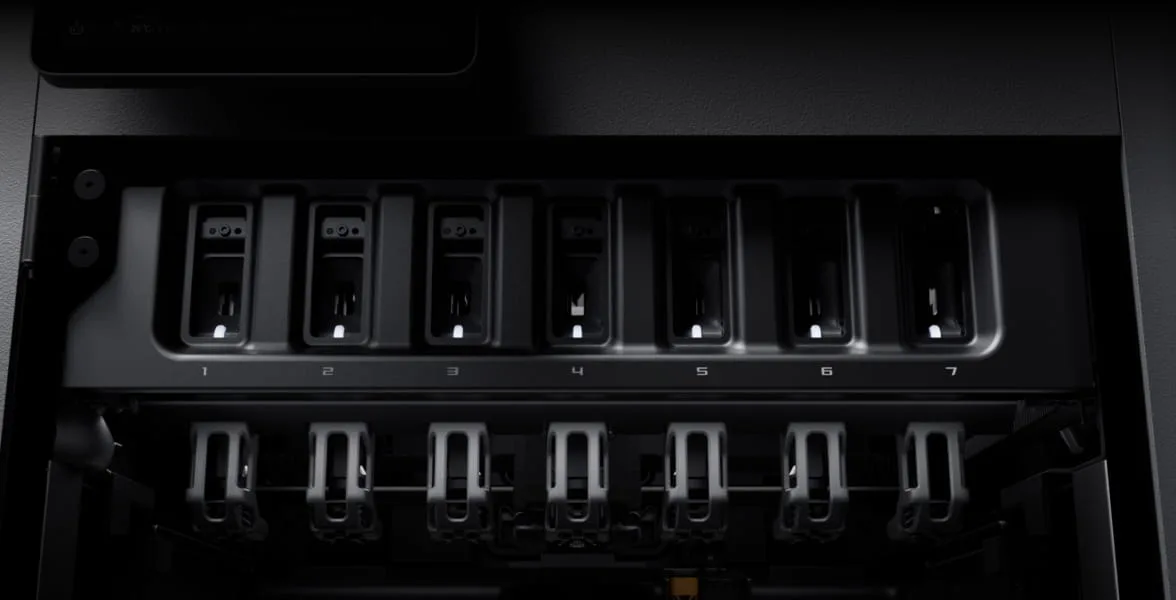
The P3C Combo includes five 0.4 mm PrintTools. Printing seven colours from seven separate tools takes two more 1.75 mm PrintTools. You can also use the two open slots for a 2.85 mm TPU PrintTool or for CraftTools.
The softer the TPU, the harder it is to feed, because the filament bends and buckles on its way to the nozzle. FlexFeed keeps a consistent grip and tension on the filament. It accepts both 1.75 mm and 2.85 mm filament. The thicker 2.85 mm filament resists bending better. With the 2.85 mm TPU PrintTool and 2.85 mm TPU, the printer handles material as soft as 75A at up to 3× the flow rate of the previous generation*.
The P3C Combo does not include a 2.85 mm PrintTool; it is bought separately. 2.85 mm filament feeds through the bypass ports of the AMS 3P, found on slots 1, 3, 4, 5 and 7. Bambu Lab recommends the 2.85 mm PrintTool for TPU only, not for rigid 2.85 mm filament such as PLA.
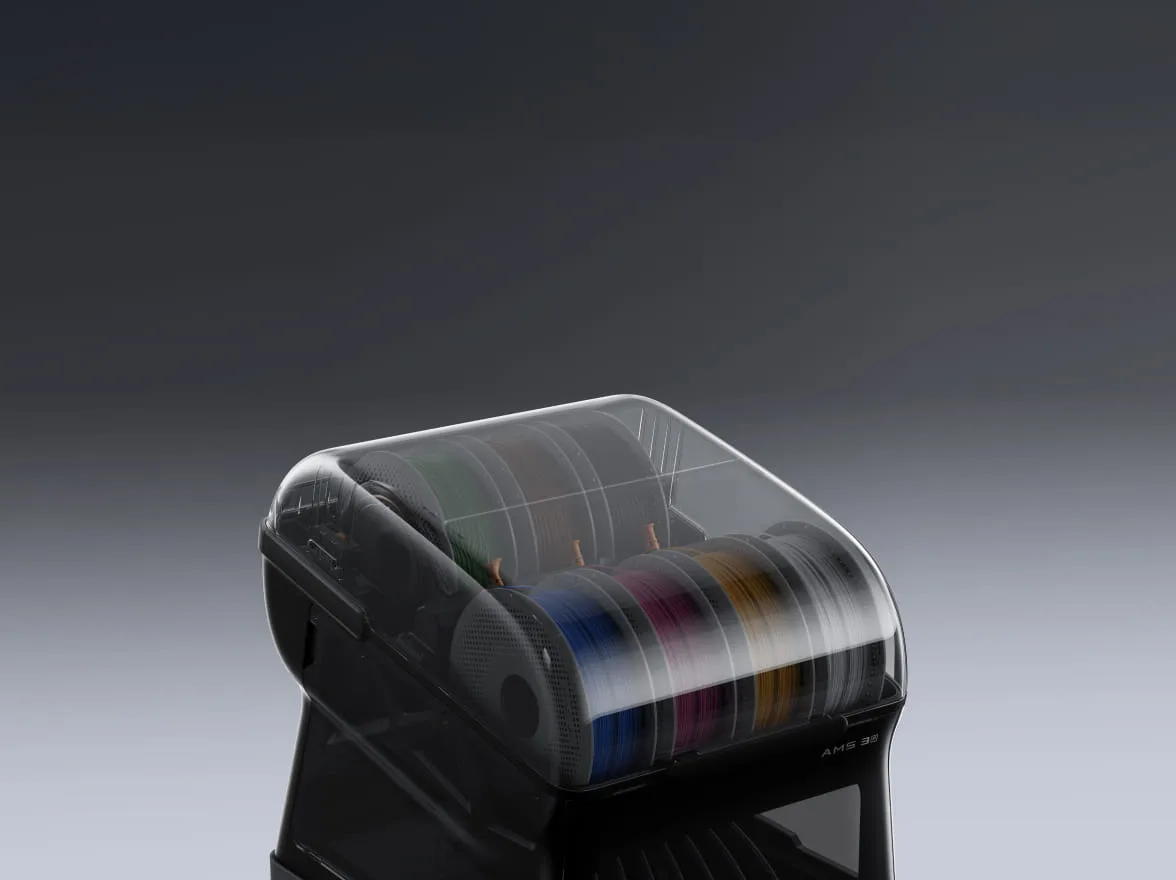
The AMS 3P is mounted on top of the printer. It holds seven spools in a sealed chamber that helps protect them from ambient humidity. Each spool has its own internal path to its PrintTool, so no spools hang off the side and no tubes cross the workspace. It reads the RFID tags on Bambu Lab filament.
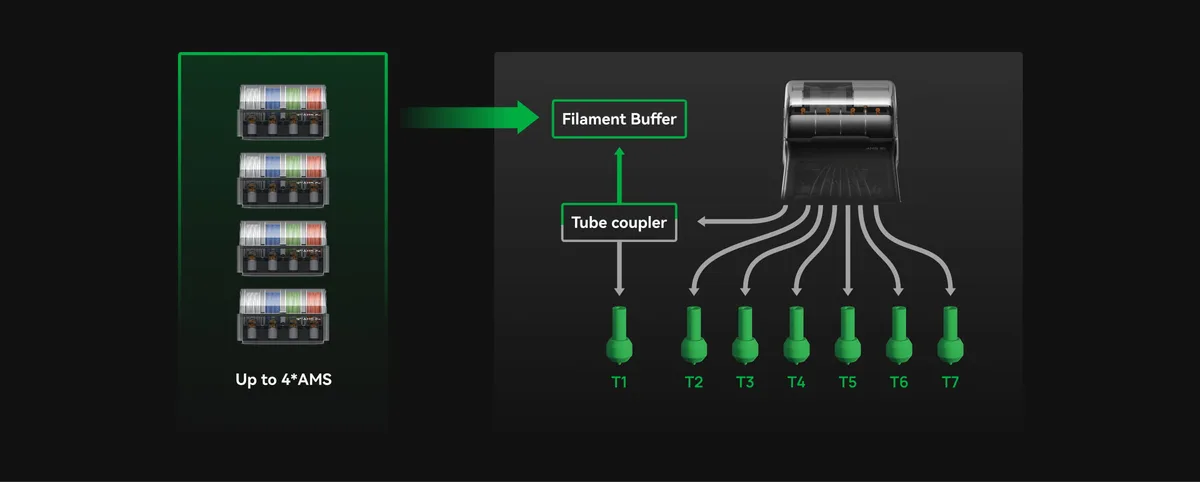
The material count of the P3C is not capped at its number of tools. PrintTool No. 1 connects to up to four external AMS units (first-generation AMS, AMS 2 Pro or AMS HT) through the optional external AMS buffer. That gives up to 22 spools with all seven PrintTools fitted, or 20 with the five included. Colours that share a feed path still need purging when they switch, so they produce more waste than printing from separate tools.
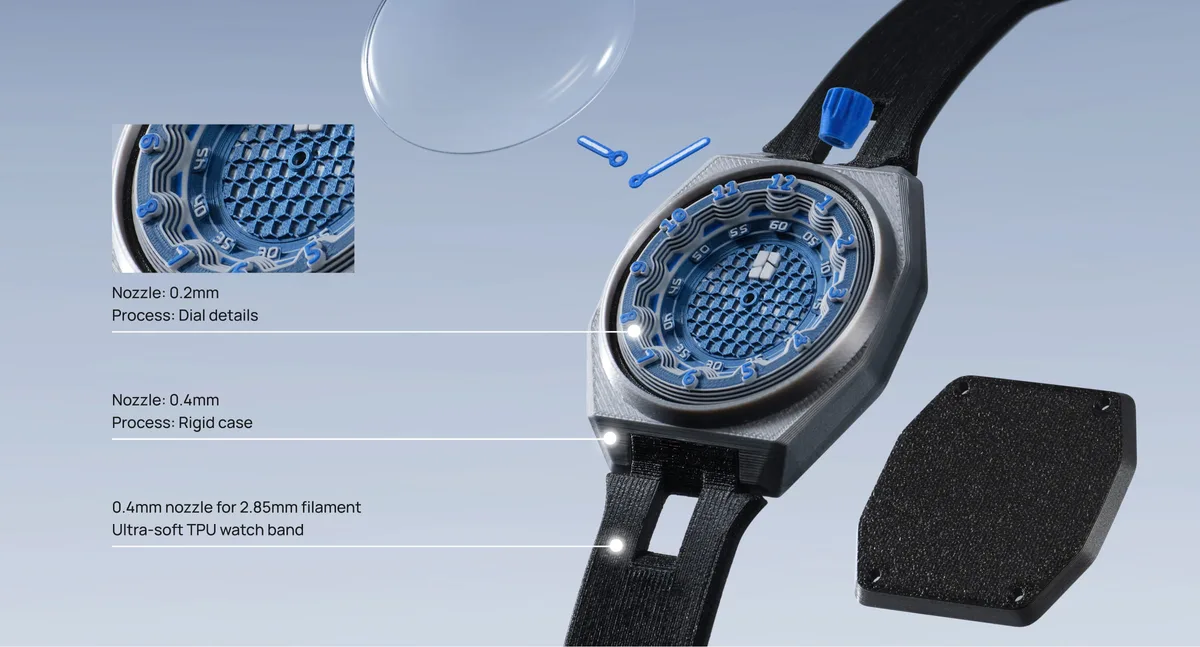
Each PrintTool can carry a different nozzle size (0.2, 0.4, 0.6 and 0.8 mm). Bambu Studio plans each tool at a layer height that suits it. Bambu Lab's example is a watch printed in one job. A 0.2 mm nozzle captures the dial detail, a 0.4 mm nozzle prints the case and a TPU tool prints the band. The box includes 0.4 mm nozzles; other sizes are sold separately.
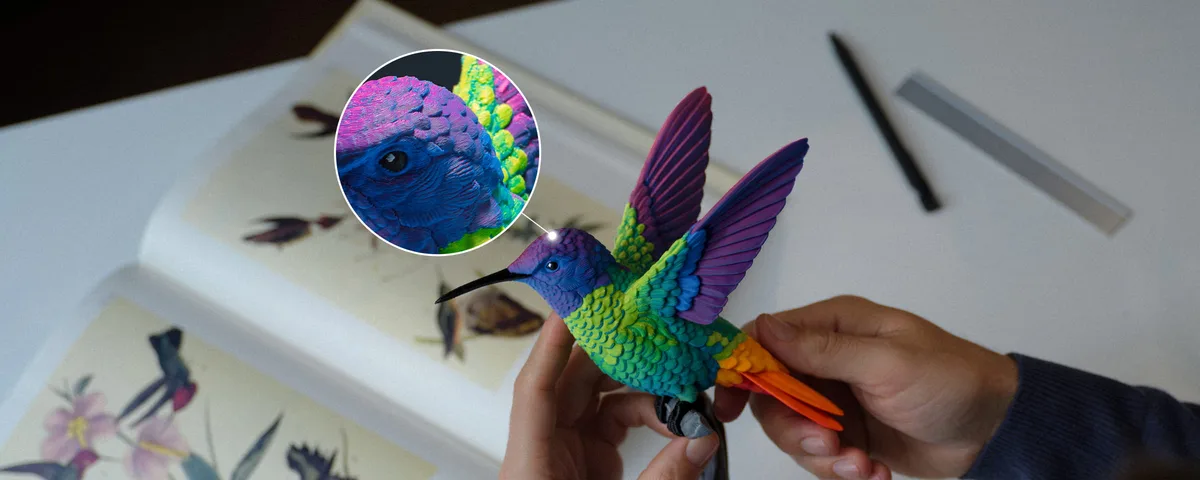
The five included PrintTools match the five CMYKW base colours. With Bambu Lab PLA Palette filament, the printer mixes colour by layering, producing a wide range of shades without a spool for every colour.
The open tool slots accept CraftTools: the CutTool, DrawTool and DebossTool for cutting, drawing and debossing sheet materials. Swaptek switches between them automatically in compatible projects. CraftTools and the cutting mat are not part of the Combo. The optional BirdsEye camera makes alignment easier but is not required, because the Bambu Handy app can take the alignment photos instead.
The P3C has no active chamber temperature control, and some filaments cannot run through the AMS 3P slots and must feed from an external spool. The spec table below and the official spec sheet list what each feed path supports.
The machine arrives in two boxes: the printer box weighs 24.3 kg and the AMS 3P box 8.51 kg. Plan for two people to lift it.
The P3C Combo does not include filament, a 2.85 mm PrintTool, the Dryer Module or CraftTools. All are sold separately.
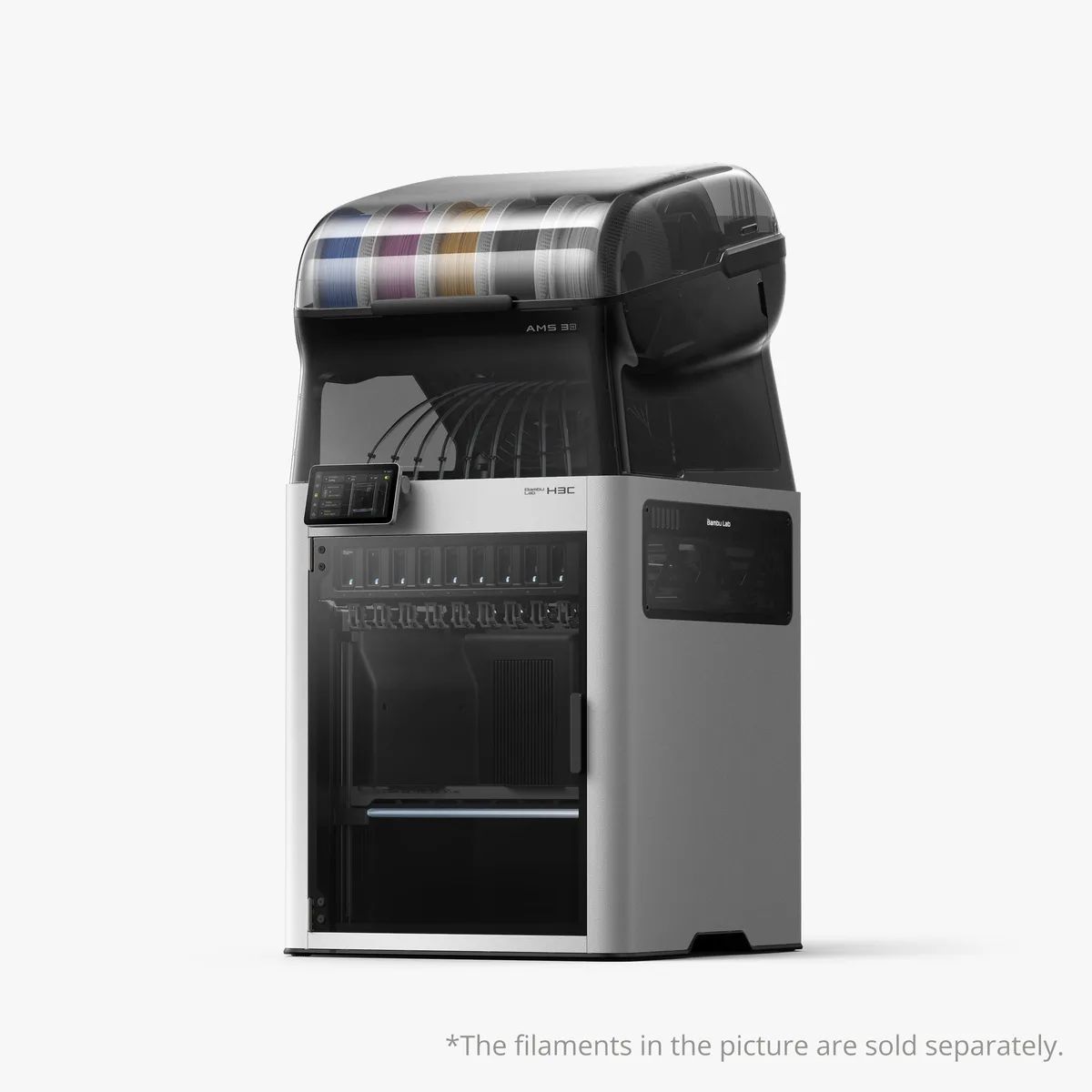
Both printers use the Swaptek tool-changing system and the FlexFeed extruder. They differ in size, tool count and heating.
Choose the P3C Combo if most of your work is PLA, PETG or TPU within 256 mm and you want a tool changer in a smaller footprint. Choose the H3C Combo if you need the larger build volume, a heated chamber for engineering filament or built-in drying.
Bambu Lab has published guides for unboxing, fitting the AMS 3P and running the first print. Watching them before delivery helps you prepare the space and set up faster.
Print My Design is an official partner of 3D Studio. Our Bambu Lab products are genuine, carry a Thai warranty and come with a full tax invoice on every order. 3D printers ship free within Thailand. Our team supports you in Thai after the sale. Reach us on LINE @printmydesign or at our True Digital Park, Seacon Bangkae and Central Sriracha branches.
The Bambu Lab P3C Combo 3D Printer (7-Slot Tool Changer with AMS 3P) costs ฿46,900 including VAT at Print My Design. It is open for pre-order. Reserve it with a ฿10,000 deposit and pay the balance when it arrives. Delivery is free anywhere in Thailand.
The Combo has five PrintTools, so it prints five materials from separate tools. Two more PrintTools raise that to seven, and external AMS units connected through PrintTool No. 1 raise the total to 22 spools (extra PrintTools and AMS units sold separately).
The build volume is 256 × 256 × 260 mm. With the AMS 3P fitted the machine measures 413 × 538 × 935 mm and weighs 26.5 kg net. Bambu Lab recommends an installation space of 513 × 960 × 1212 mm.
Swaptek is the tool-switching system of the P3C. Each tool stays loaded and pre-heated, so a material change takes as little as 6 seconds with only 0.038 g purged. These figures come from Bambu Lab's internal tests with PLA Basic.
Yes. The FlexFeed extruder prints TPU as soft as 75A with 2.85 mm TPU and a 2.85 mm PrintTool. The P3C Combo does not include that tool; it is bought separately. 2.85 mm filament feeds through the AMS 3P bypass ports on slots 1, 3, 4, 5 and 7.
Not as standard. The AMS 3P stores seven spools in a sealed chamber that helps keep moisture out. With the optional Dryer Module, slots 2 and 4 dry two spools at once at up to 75 °C.
No. The AMS 3P is loaded by hand, and Bambu Lab offers no accessory for automatic feeding. If you want automatic loading, look at the H3C Combo, which comes with the AMS 3H.
Bambu Lab's spec lists ABS, ASA, PA, PAHT, PC, PET, PPA, PPS and their carbon- or glass-fibre blends as supported. The hardened-steel nozzles reach 300 °C and the heatbed 110 °C. The P3C has no active chamber temperature control, so if these materials are your main work, the H3C with its 65 °C heated chamber suits them better.
Yes. The printer supports 0.2, 0.4, 0.6 and 0.8 mm nozzles and can carry different sizes at once. Every size is hardened steel. The box includes 0.4 mm nozzles; other sizes are sold separately.
Yes. The high-voltage version runs on 200–240 VAC. It draws up to 1,200 W for the first 3–5 minutes while the heatbed heats, and about 210 W while printing PLA. Low Power Mode caps the draw at 950 W.
Both use Swaptek. The P3C has a 256 × 256 × 260 mm build volume, seven slots with five PrintTools included, 300 °C nozzles, no heated chamber and the manually loaded AMS 3P. The H3C has a 330 × 320 × 325 mm build volume, nine PrintTools, 350 °C nozzles, a 65 °C chamber and the AMS 3H with automatic loading and drying.
No. The P3C Combo contains the P3C printer, the AMS 3P, five 0.4 mm PrintTools, a Textured PEI plate and an accessories box. Filament is sold separately.
A genuine product with a Thai warranty, a full tax invoice, free shipping within Thailand for 3D printers and after-sales support in Thai. Print My Design is an official partner of 3D Studio.