Official Anycubic distributor in Thailand
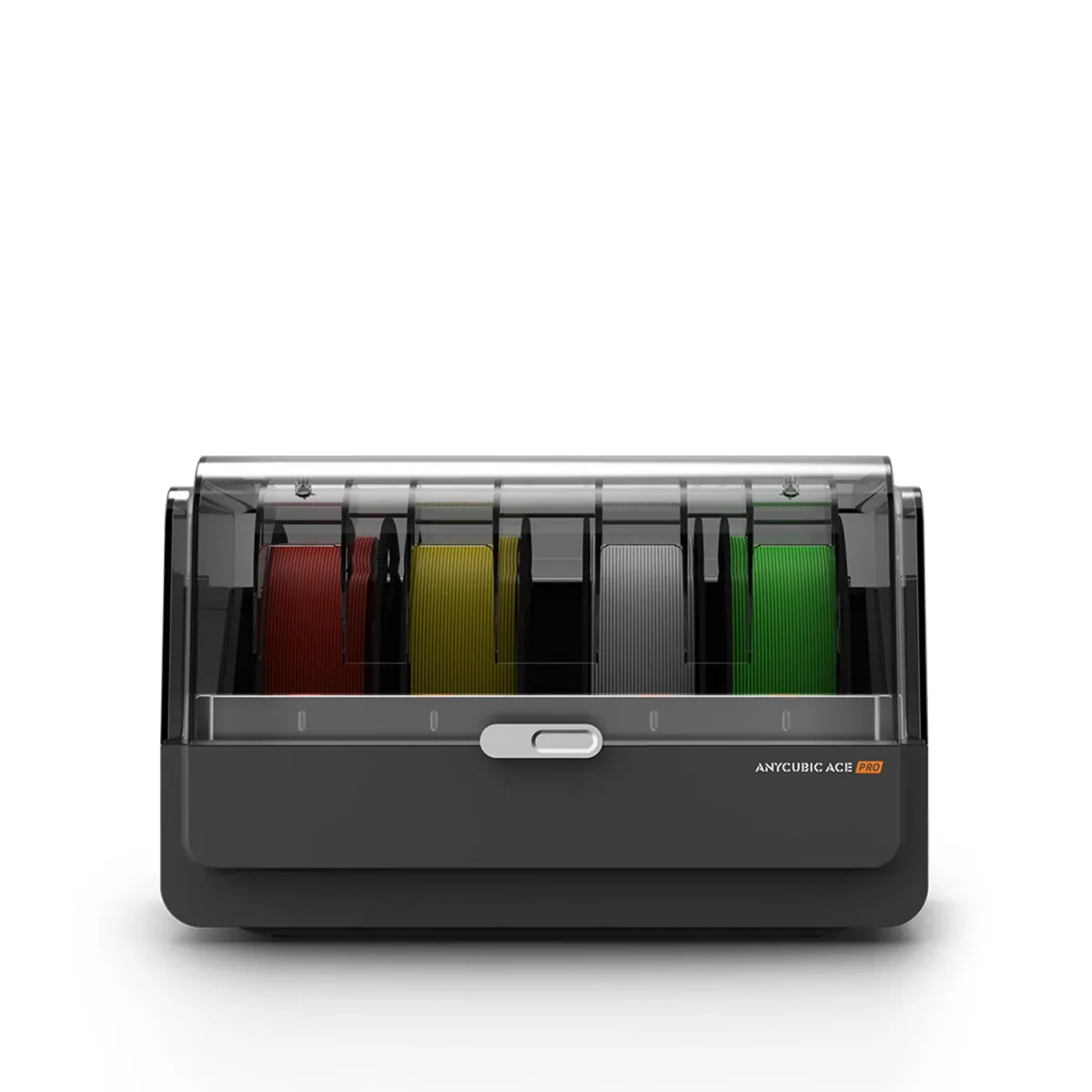 Anycubic ACE For Kobra S1
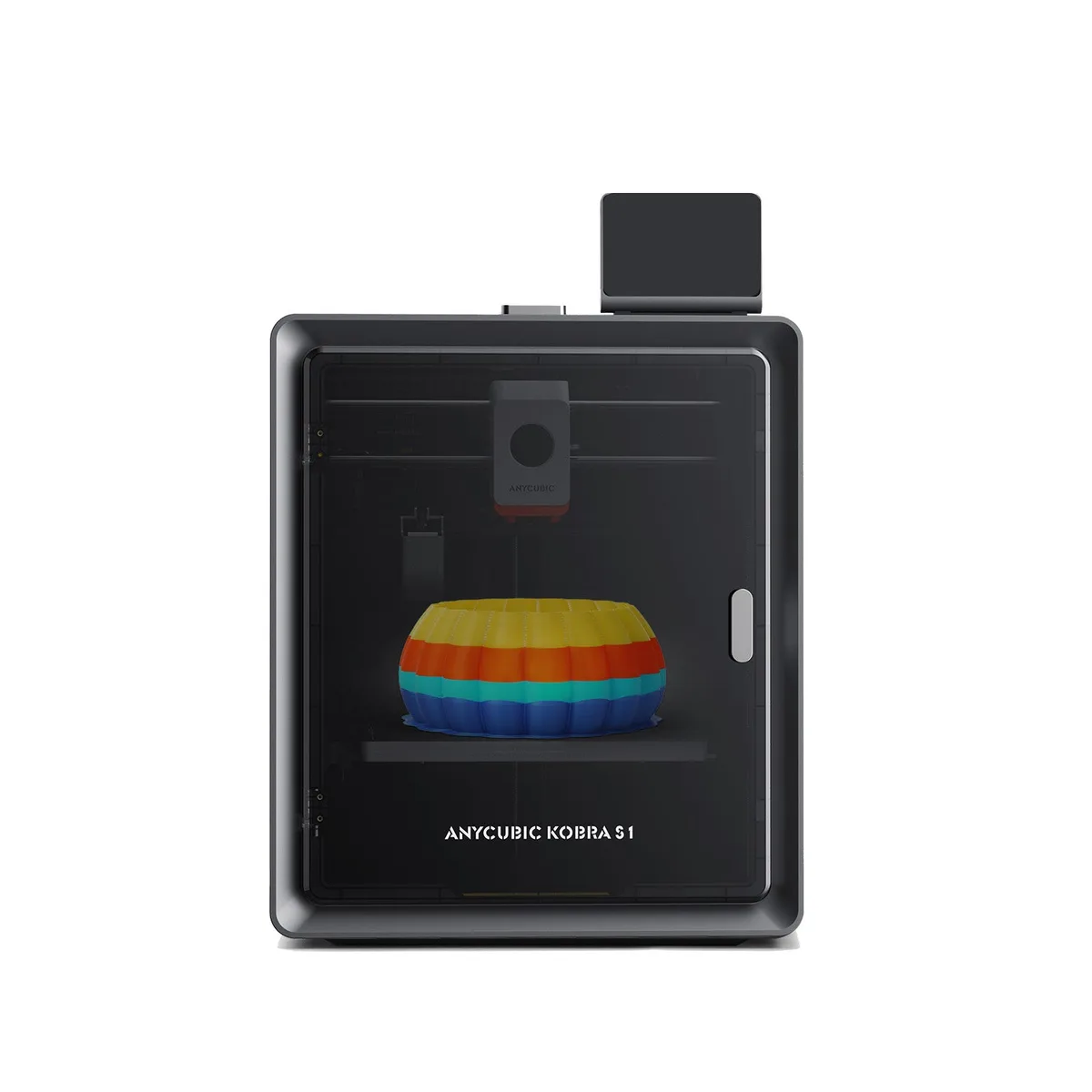
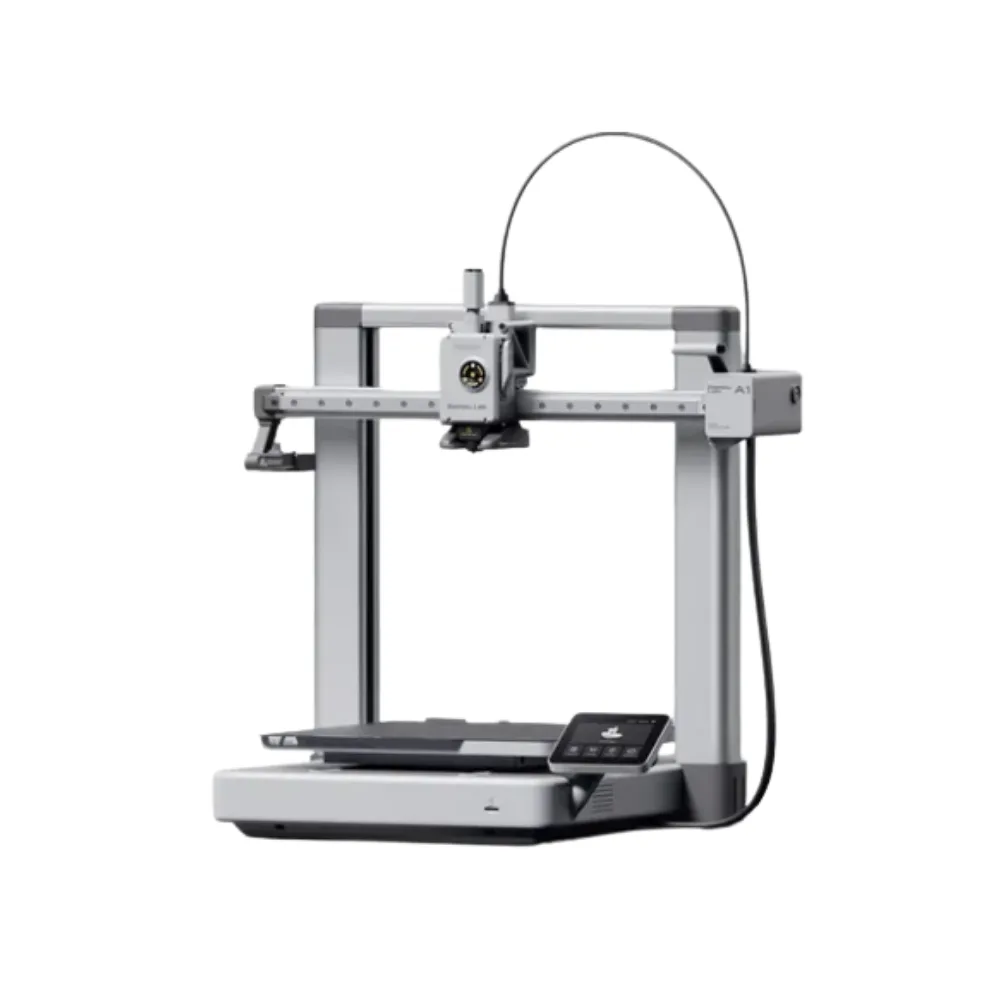
The Anycubic Kobra S1 is a fully enclosed CoreXY FDM 3D printer. It prints parts up to 250 × 250 × 250 mm at up to 600 mm/s. Its hotend reaches 320 °C. Out of the box it prints in one colour from a rear spool holder. You can add the ACE Pro multi-colour unit later.
It suits beginners who want a printer that levels and calibrates itself. It also suits designers and engineers who print ABS or ASA. And it suits anyone who wants to start with single-colour work, then upgrade to colour.
250 mm build volume. Parts can be about 25 cm in each direction. That covers enclosures, mechanical parts, jigs and most models. Split anything larger and assemble it.
600 mm/s. This is the top toolhead speed. For everyday printing Anycubic recommends 300 mm/s. It quotes about 13 minutes for a Benchy at 0.2 mm layers.
320 °C nozzle, 120 °C bed, closed chamber. Together they let the printer handle high-temperature materials. The enclosure also blocks drafts from fans and air conditioning, which make ABS and ASA warp.
Detail. Layer height runs from 0.05 to 0.28 mm with the standard 0.4 mm nozzle. For faster large parts, fit a 0.6 or 0.8 mm nozzle.
Power and size. The power supply accepts 100–240 V, so Thai 220 V mains is fine. The printer measures 400 × 410 × 490 mm and weighs about 18 kg.
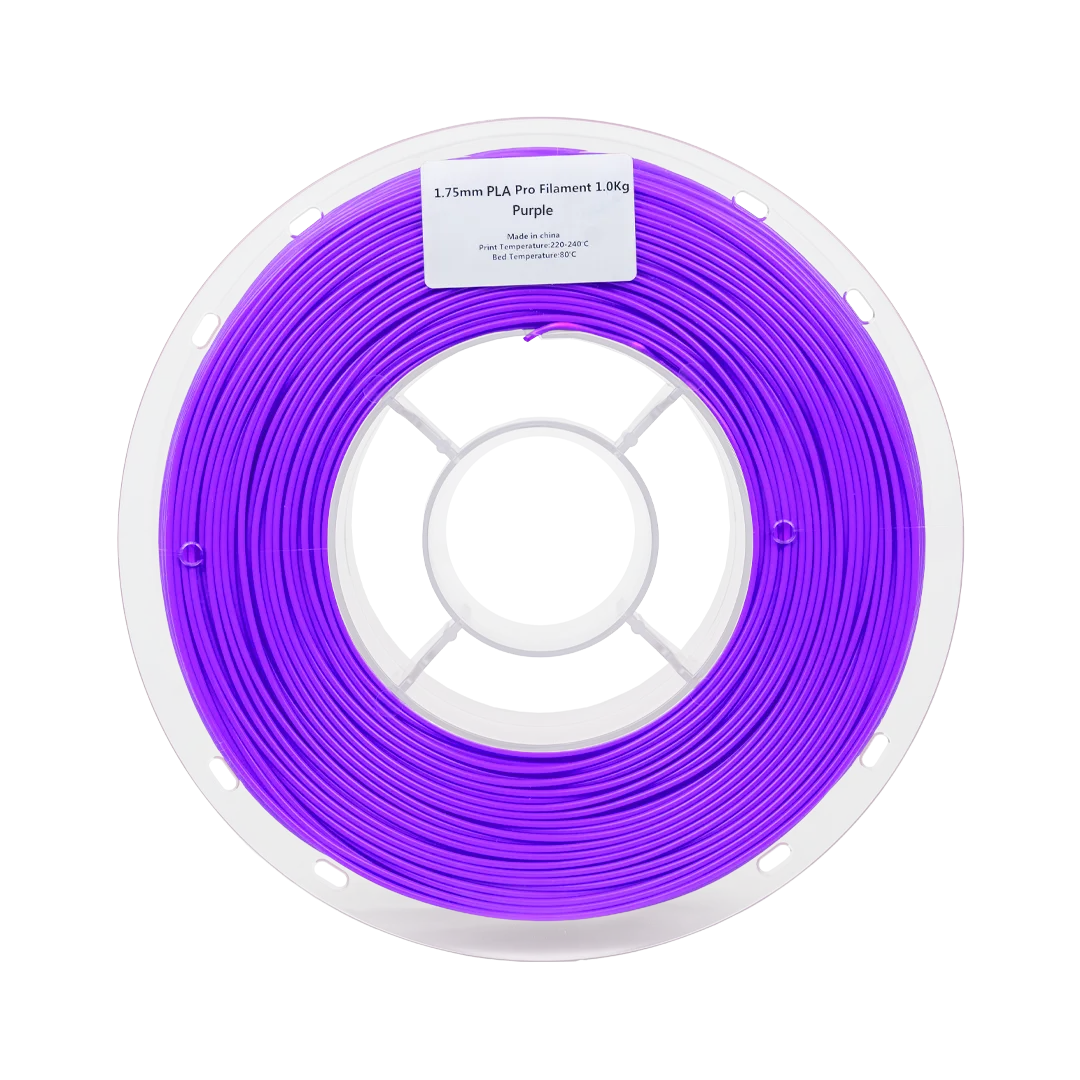
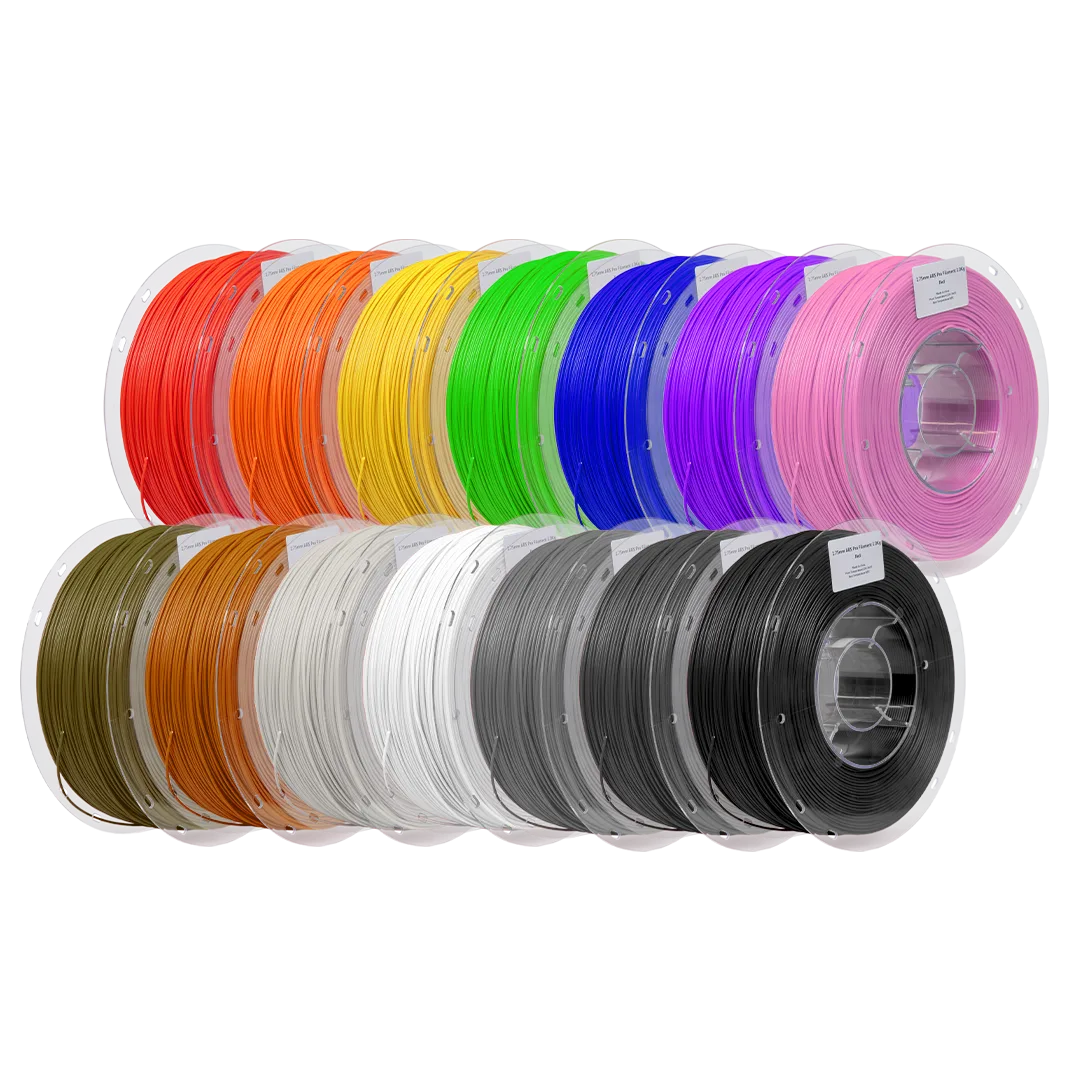
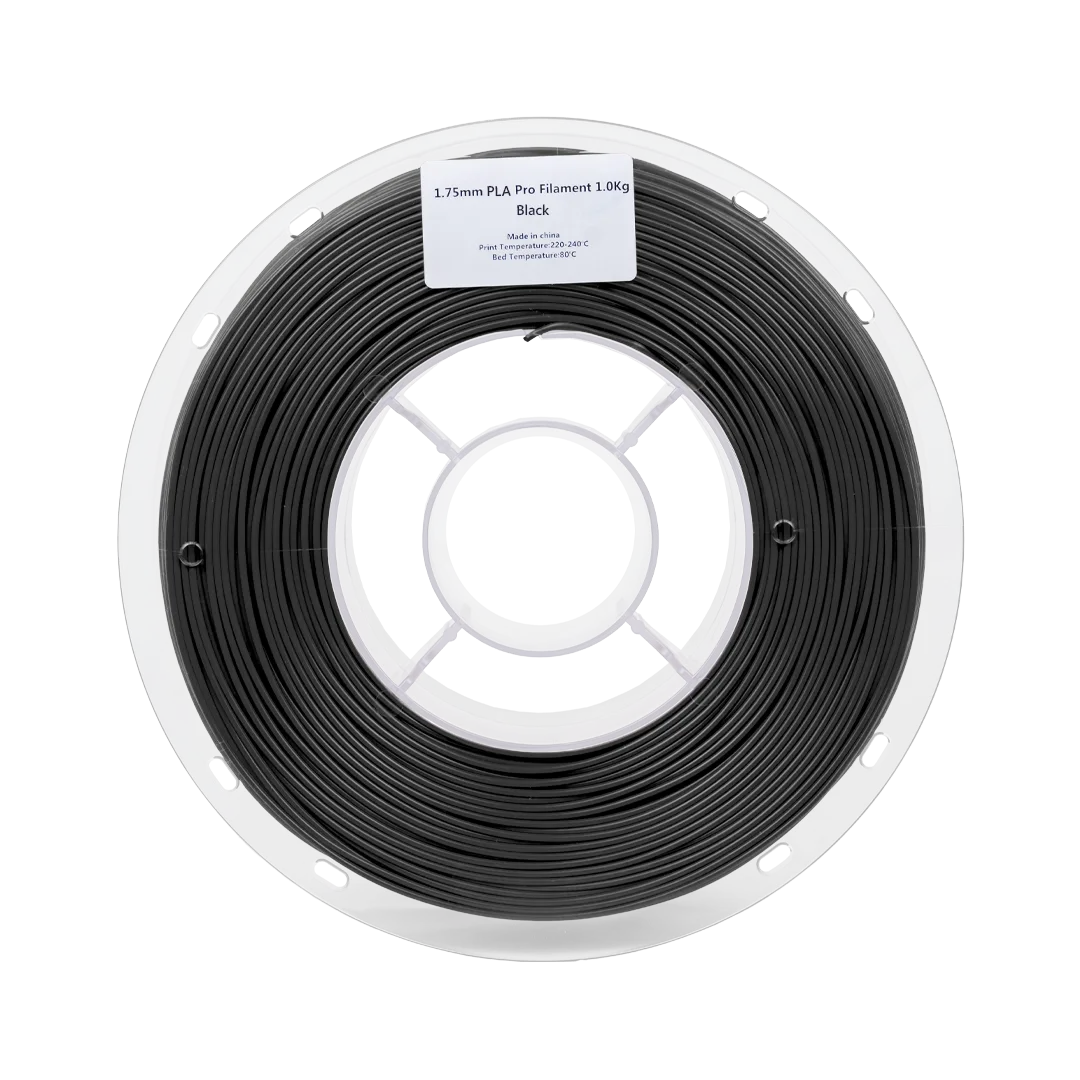
Anycubic lists PLA, PETG, ABS, ASA and TPU 95A. It also lists high-temperature materials: PC, PA, and carbon-fibre or glass-fibre filled filaments.
Nylon (PA) and TPU absorb moisture easily. Dry them before printing and store them sealed.
Both use the same Kobra S1 printer with identical print specs. The difference is that the Kobra S1 Combo ships with a 4-slot ACE Pro (Anycubic Color Engine Pro). That adds 4-colour printing and filament drying up to 55 °C. It also switches to a backup spool of the same colour and material when one runs out.
Not sure you need colour yet? Start with the Kobra S1. Add the ACE for Kobra S1, sold separately, later on. The Kobra S1 supports up to two ACE Pro units for up to 8 colours. Eight-colour printing also needs Anycubic's 8 Colors Filament Hub.
Print My Design is run by Septillion Co., Ltd., an official distributor of Anycubic in Thailand. Your printer comes with a Thai warranty and after-sales support from our Thai team.
Companies can get a full tax invoice. Order online on this page, or buy at our True Digital Park, Seacon Bangkae and Central Sriracha branches.
The Anycubic Kobra S1 3D Printer costs ฿17,900 including VAT at Print My Design (regular price ฿18,500). It is in stock; stock at each branch is shown on this page. Delivery is free anywhere in Thailand.
The build volume is 250 × 250 × 250 mm. Recommended speed is 300 mm/s, maximum 600 mm/s, with up to 20,000 mm/s² acceleration. Anycubic quotes about 13 minutes for a Benchy at 0.2 mm layers.
Yes, it is fully enclosed, with a PC front door and top cover. It prints PLA, PETG, ABS, ASA and TPU 95A, plus PC, PA and carbon- or glass-fibre filled filaments. The nozzle reaches 320 °C and the bed 120 °C.
It prints one colour out of the box. One ACE Pro gives 4 colours. Anycubic states the Kobra S1 supports up to two ACE Pro units for up to 8 colours; eight colours also need the 8 Colors Filament Hub.
Yes. The Kobra S1 accepts an ACE Pro later, and Print My Design sells the ACE for Kobra S1 separately. If you want colour from day one, the Kobra S1 Combo includes the ACE Pro.
Yes. After unboxing, you unlock the print head and bed as the manual shows. The on-screen setup connects Wi-Fi and the app, then runs a self-check, vibration compensation and LeviQ 3.0 auto-levelling. AI failure detection, runout detection and power-loss resume help during prints.
The printer is identical. The Kobra S1 Combo adds a 4-slot ACE Pro, giving 4-colour printing, drying up to 55 °C and automatic backup-spool refill. The Kobra S1 prints one colour from its spool holder.
Yes, if the TPU is 95A or harder. Feed it from the spool holder in single-colour mode and slow the print down. Never feed TPU through the ACE Pro. Anycubic says TPU of 85A or softer does not work on the Kobra S1.
Yes. Print My Design is run by Septillion Co., Ltd., an official distributor of Anycubic in Thailand. Printers come with a Thai warranty and after-sales support from our Thai team.
Yes. We issue full tax invoices to companies. Enter the company name and tax ID at checkout, or tell our staff at the branch.
Order online on this page, or buy at our True Digital Park, Seacon Bangkae and Central Sriracha branches.